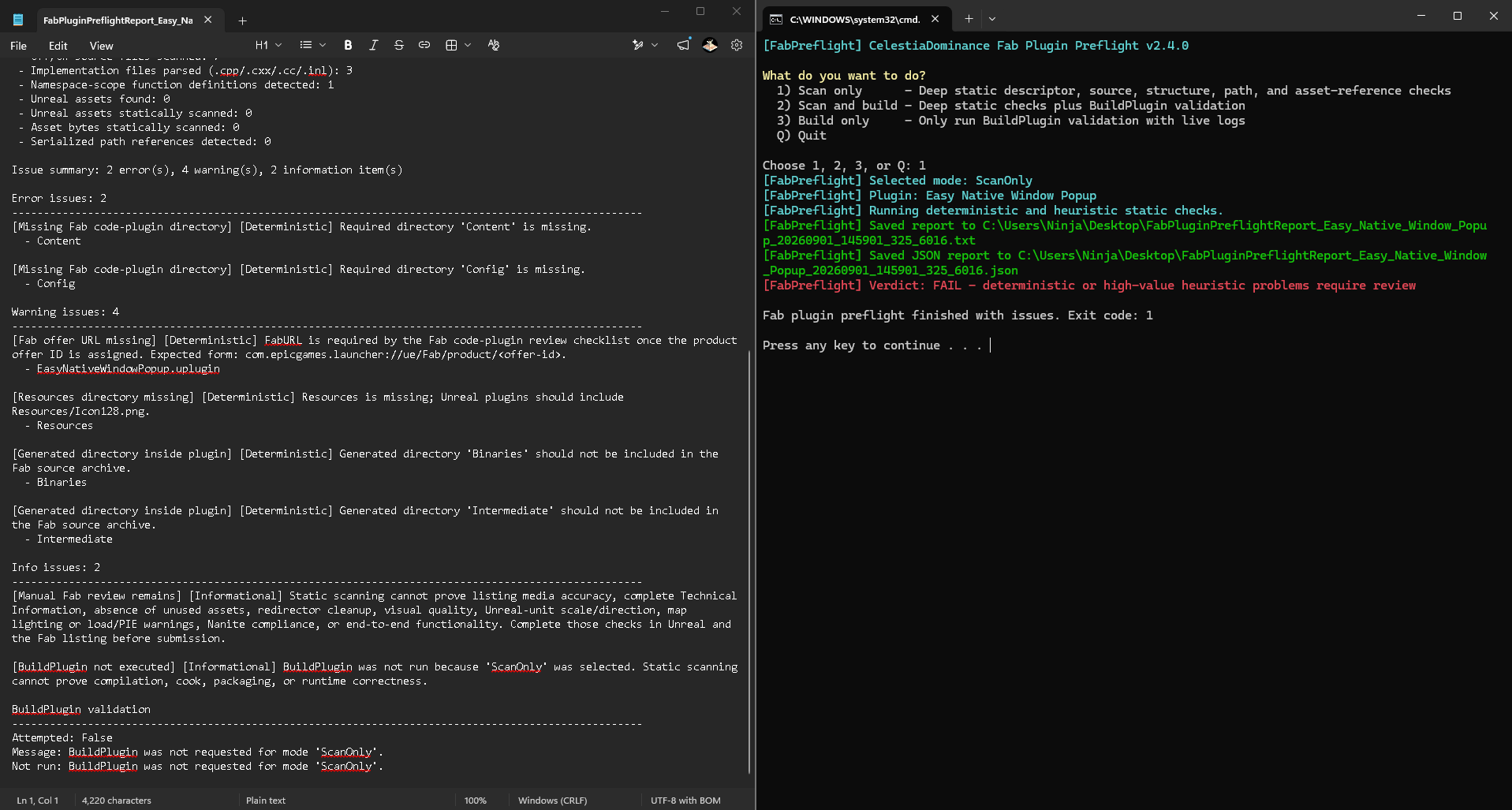
Free Windows utility that scans Unreal Engine code plugins for common Fab submission and portability problems, with optional UAT BuildPlugin validation and clear text, JSON, and build-log evidence.
| User or machine | Supported behavior |
| --- | --- |
| Windows 10 or 11 with Windows PowerShell 5.1 | Guided launcher, scan, reports, and optional builds |
| PowerShell 7 on Windows | Direct PS1 invocation is supported and regression-tested |
| No Unreal Engine installation | `ScanOnly` works normally; build modes produce a clear failed report instead of crashing |
| Epic Games Launcher engine on another drive | Automatically resolved from Epic Launcher installation data |
| Registered source or custom engine build | Automatically resolved from Unreal's per-user registration when `RunUAT.bat` is present |
| Unregistered or portable engine build | Supported with `-EngineRoot` or `-RunUATPath` |
| Multiple installed engine versions | Exact `-EngineVersion` or descriptor `EngineVersion` matching; otherwise the newest valid installation is selected |
| Non-admin Windows account | Scanning is supported; build output falls back to a user-writable location if the short system-drive root cannot be created |
| Read-only or source-controlled plugin folder | The source is read-only to the utility; UAT receives a removable staged copy |
| CI or unattended use | Use the PS1 with explicit paths and `-NoOpenReport` |
| macOS or Linux | Not supported by this Windows BAT/PowerShell release |
`ScanOnly` does not need Unreal Engine, Visual Studio, Android tooling, or administrator rights. A real build additionally needs a compatible Unreal installation, the compiler/toolchain required by that Unreal version, and any SDK required by the selected target platform.
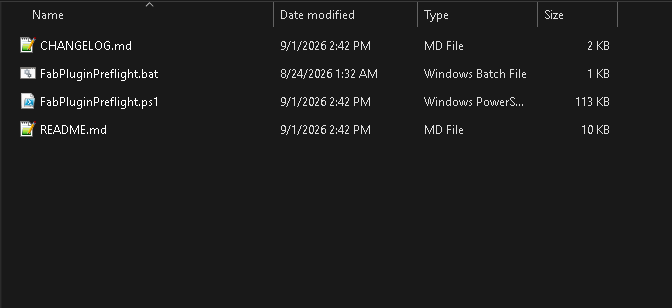
1. Extract the complete ZIP. Do not run the BAT from inside the ZIP preview.
2. Double-click `FabPluginPreflight.bat`.
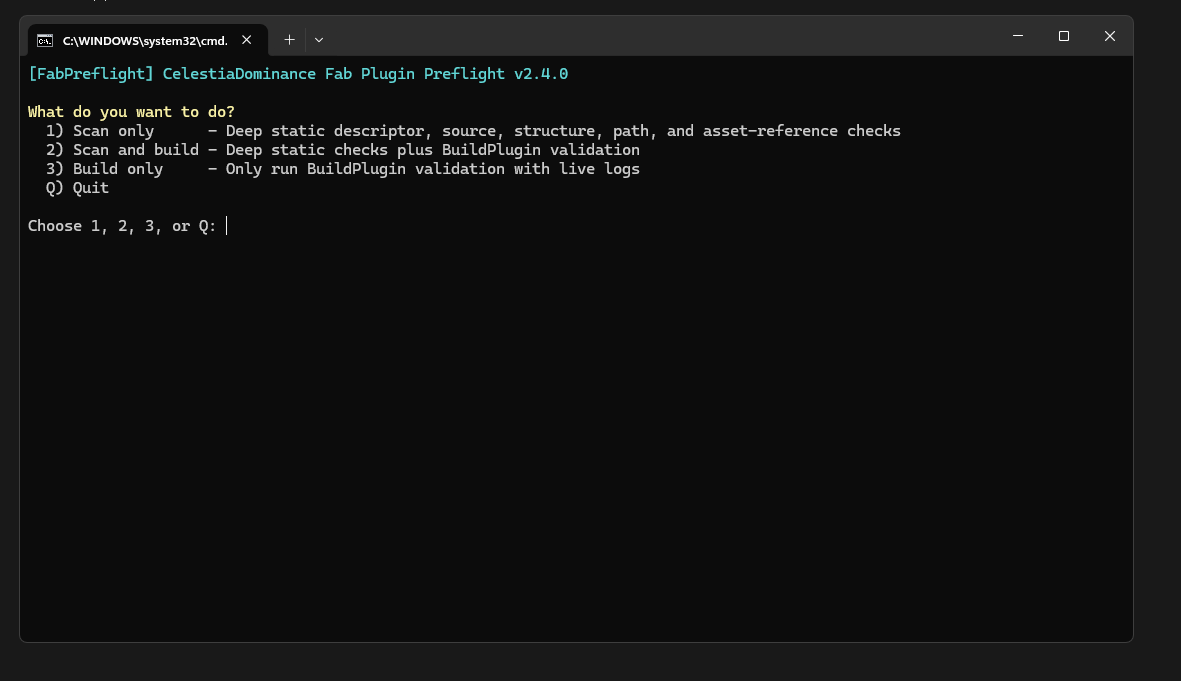
3. Choose **Scan only**, **Scan and build**, or **Build only**.
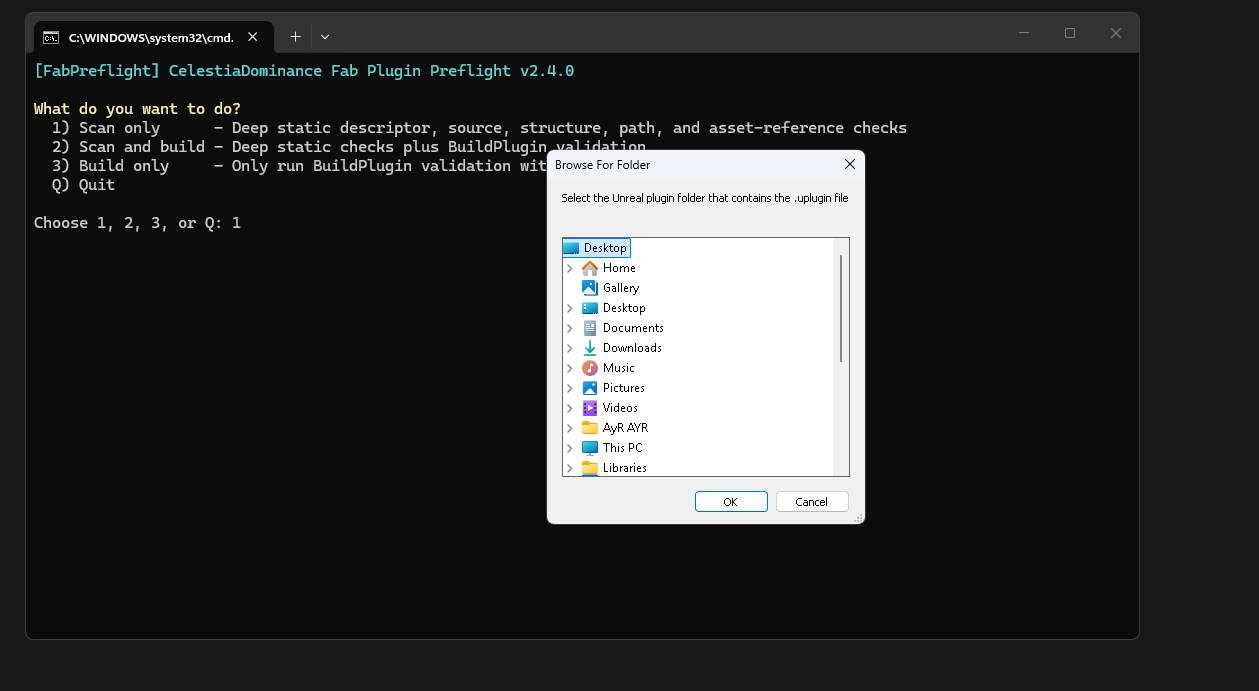
4. Select the plugin folder containing one `.uplugin` file.
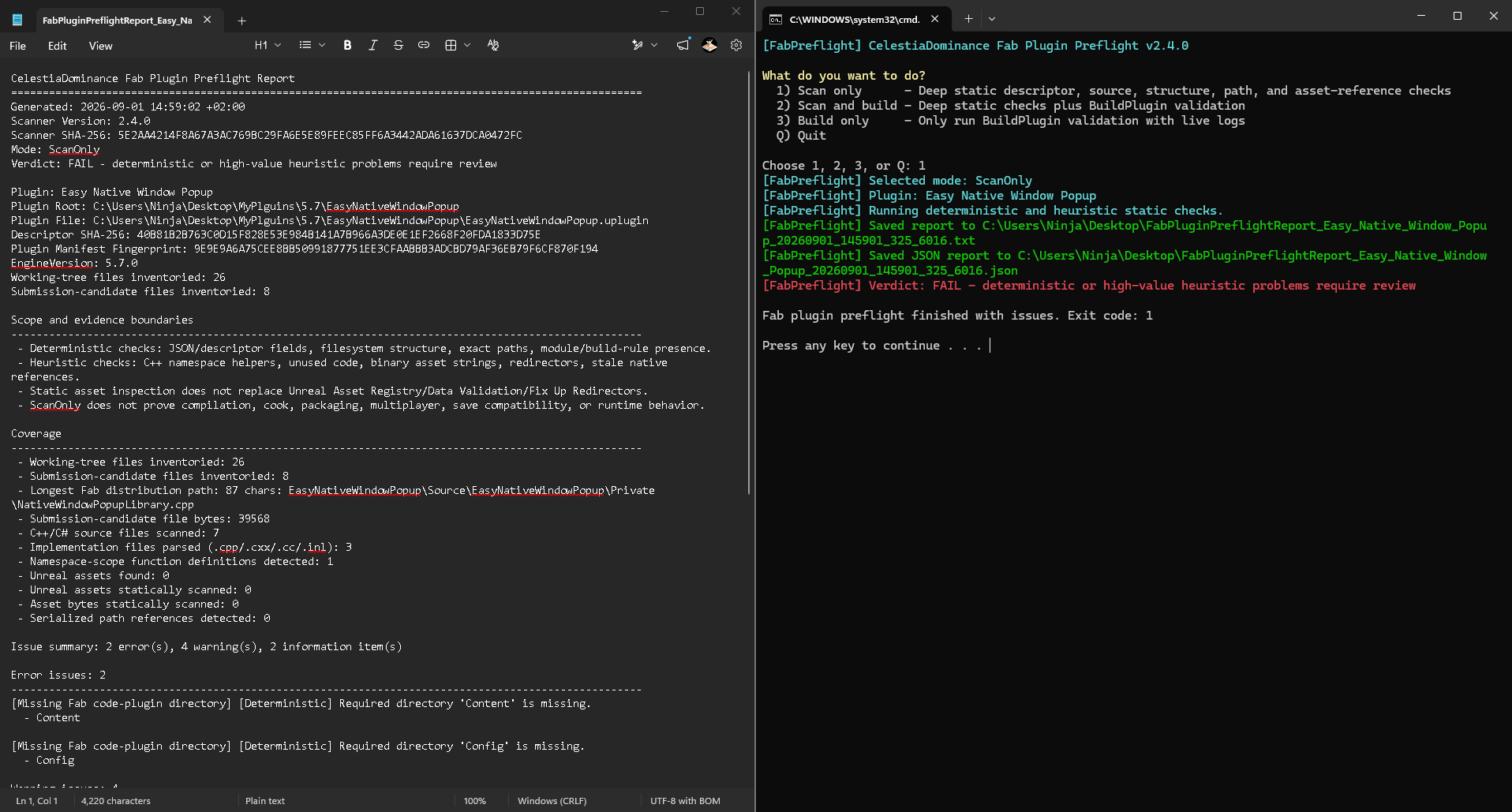
5. Read the generated text report. A matching JSON report is also saved for automation.
If Windows marks the downloaded files as blocked, open the ZIP's **Properties**, choose **Unblock** when that option is present, apply the change, and extract it again.
# Changelog
Copyright 2026 CelestiaDominance
## 2.4.0 - 2026-09-01
- Added Epic Launcher custom-drive, registered source-build, machine-registry, environment-variable, explicit engine-root, and explicit RunUAT discovery.
- Kept scan-only fully independent from any Unreal Engine installation.
- Added user-writable package-root fallback and pre-UAT Windows action-path length protection.
- Added specific diagnostics for concurrent AutomationTool and shared BuildRules-cache conflicts.
- Added packaged-descriptor postcondition verification after a zero UAT exit code.
- BuildPlugin now receives an isolated staged copy so UAT cannot add or change files in the selected source plugin.
- Added optional UAT `-StrictIncludes` validation for include-isolation checks.
- Added separate build-log output control and output-path collision checks.
- Standardized text/build logs as UTF-8 with a BOM and JSON as BOM-free ASCII-safe UTF-8 for Windows PowerShell 5.1, PowerShell 7, and strict JSON-parser interoperability.
- Corrected BuildOnly and unavailable-build verdict/report wording.
- Added `HasExplicitPlatforms` handling and descriptor-level target-platform inference.
- Made malformed integer descriptor fields report findings instead of causing conversion failures.
- Added dependency-free Windows PowerShell 5.1 and PowerShell 7 regression coverage.
## 2.3.0 - 2026-08-24
- Added expanded Fab metadata, archive, source, structure, distribution-path, and static asset-reference checks.
- Added text and JSON reports, build logging, configurable scan budgets, and warning-sensitive exit codes.
Customer reviews (0)
No reviews yet.
Log in to review a completed purchase.