Turn your Android phone into a camera you can view in a browser on your local network.
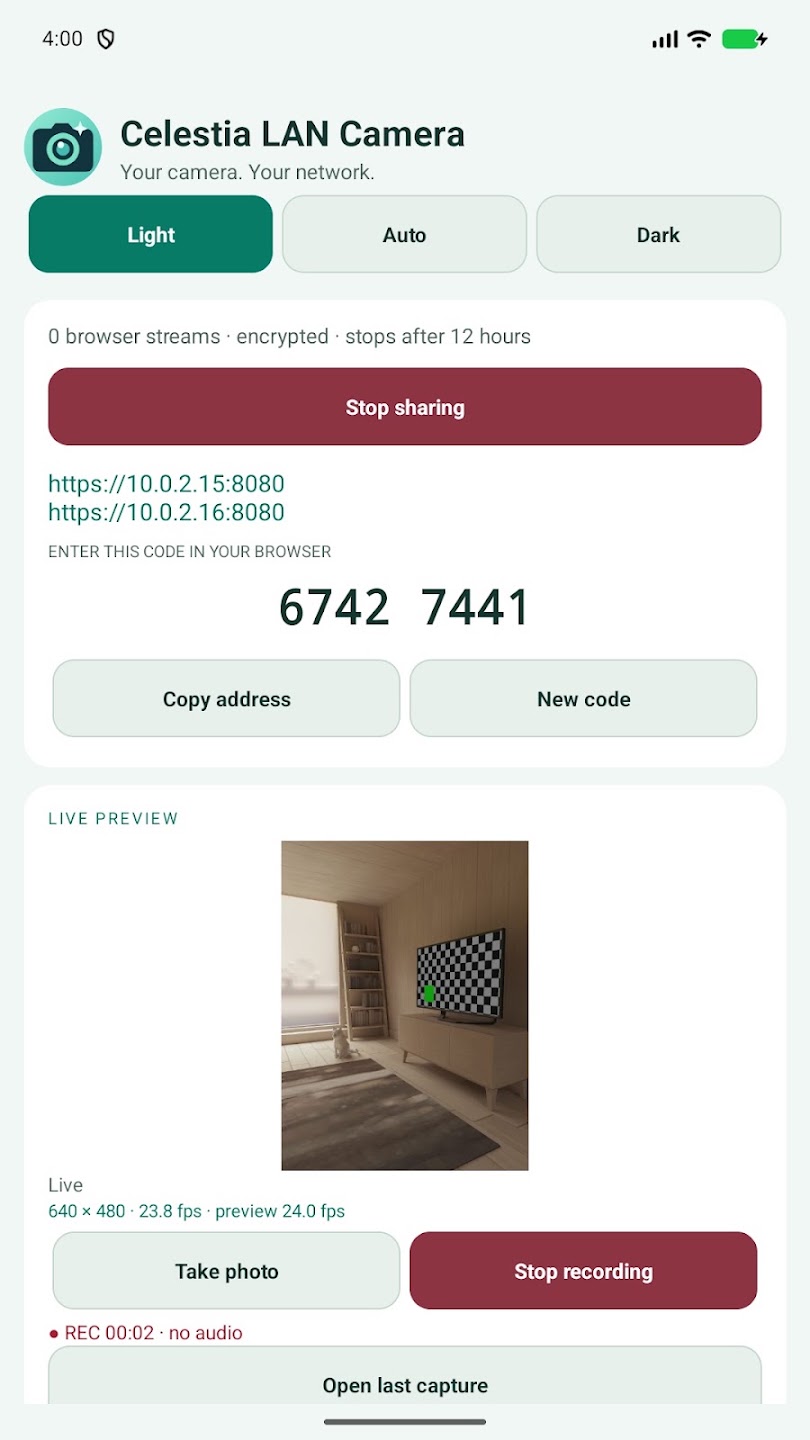
Start sharing on the phone, open its HTTPS address on your computer, and enter the eight-digit code shown in the app. No account, USB cable, cloud relay, or separate desktop program is required.
Features:
- Live video in a browser over your LAN or phone hotspot.
- HTTPS encryption with a phone-generated TLS identity.
- A new access code for each sharing session. New code disconnects all existing viewers.
- Choose camera lenses and streaming resolutions reported by your phone.
- Set a frame-rate target up to the selected camera mode’s reported limit.
- Adjust JPEG quality from 1 to 100%.
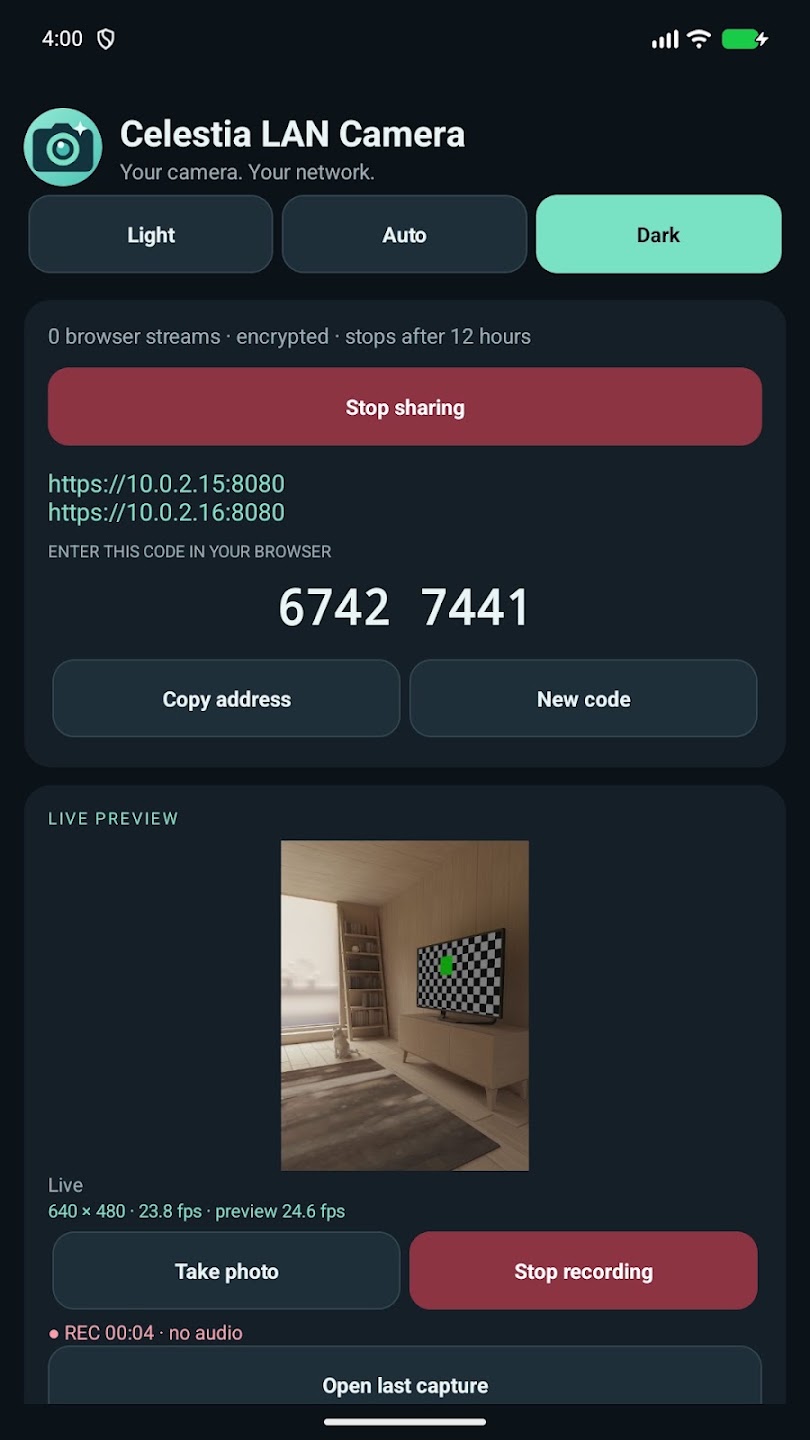
- A native live phone preview with stream and preview FPS indicators.
- Rotate the shared view, mirror your browser view, control supported torch hardware, or save a still image on your computer.
- Camera controls on the phone and in the browser.
- Take JPEG photos and record silent MP4 videos on your phone.
- Open the last saved capture in your gallery or a compatible app.
- Light, Auto (follow Android), and Dark appearance modes.
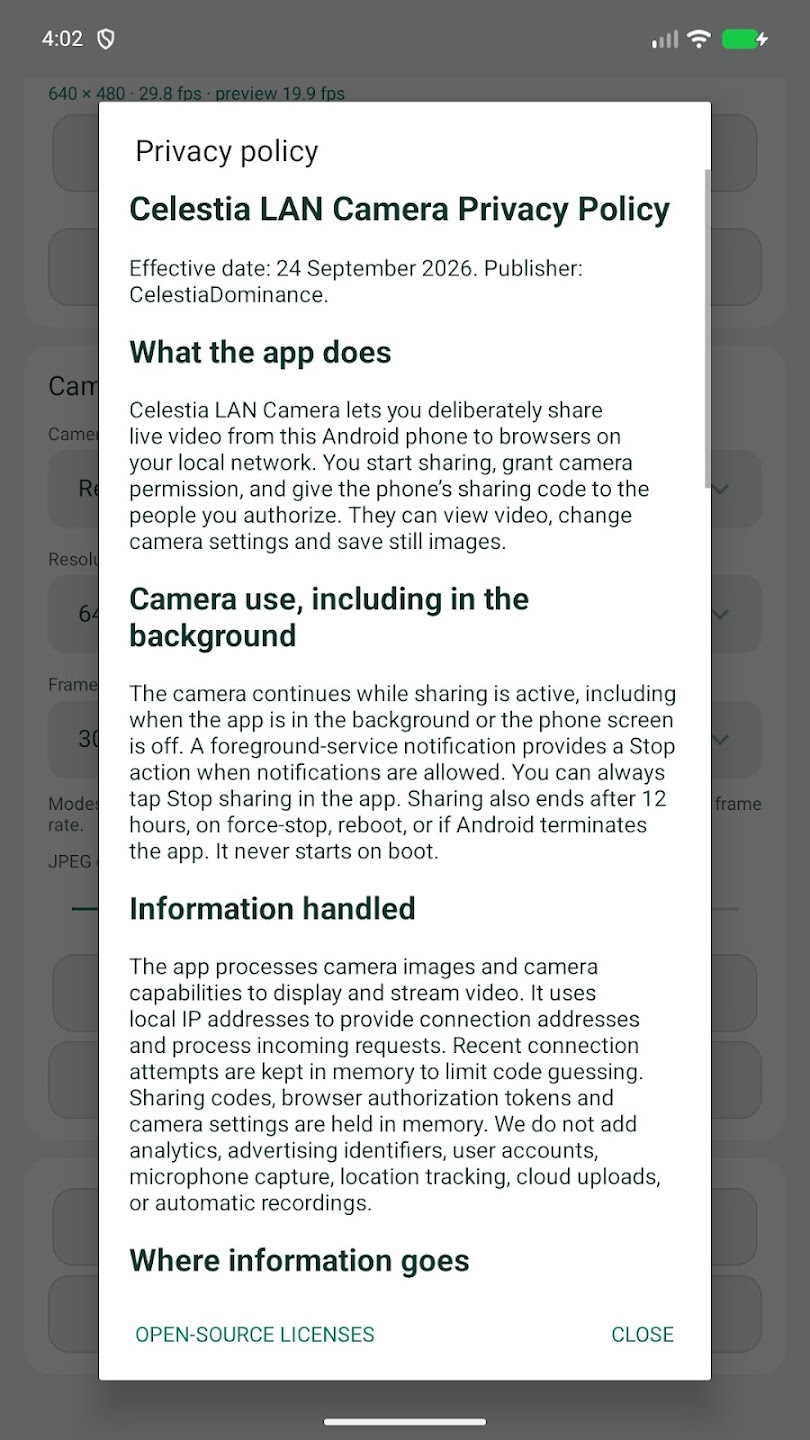
- Privacy policy, connection help and support inside the app.
Before connecting, verify the browser certificate fingerprint against Connection help on the phone. Because the phone creates its own local certificate, browsers may show a certificate warning. Some managed browsers do not allow these connections.
Both devices must be on a reachable local network. Guest Wi-Fi, client isolation, VPNs or firewalls may prevent a connection. This is not an internet camera-sharing service or a system webcam driver.
Camera sharing continues while the app is in the background or the phone screen is off. Stop sharing in the app or notification to end it. Sessions end after twelve hours. No automatic startup, audio, cloud uploads, accounts, ads, analytics or automatic recording.
Photos and videos are saved only when you choose to capture them. Video recording continues in the background until you stop recording or sharing. Camera mode and rotation remain fixed during a clip. Saved files remain in Pictures/Celestia LAN Camera or Movies/Celestia LAN Camera until you delete them. Your gallery or backup service may sync them according to its settings. The app does not upload saved captures. Recording support depends on the phone’s video encoder; some modes may require a lower resolution or frame-rate target.
Android 13 or newer is required. Available modes depend on your phone and camera driver. Higher resolution or quality can reduce delivered FPS. Slow-motion-only modes and still-photo-only resolutions are not available for streaming. Share only with people you trust and respect the privacy of anyone in view.
Customer reviews (0)
No reviews yet.
Log in to review a completed purchase.