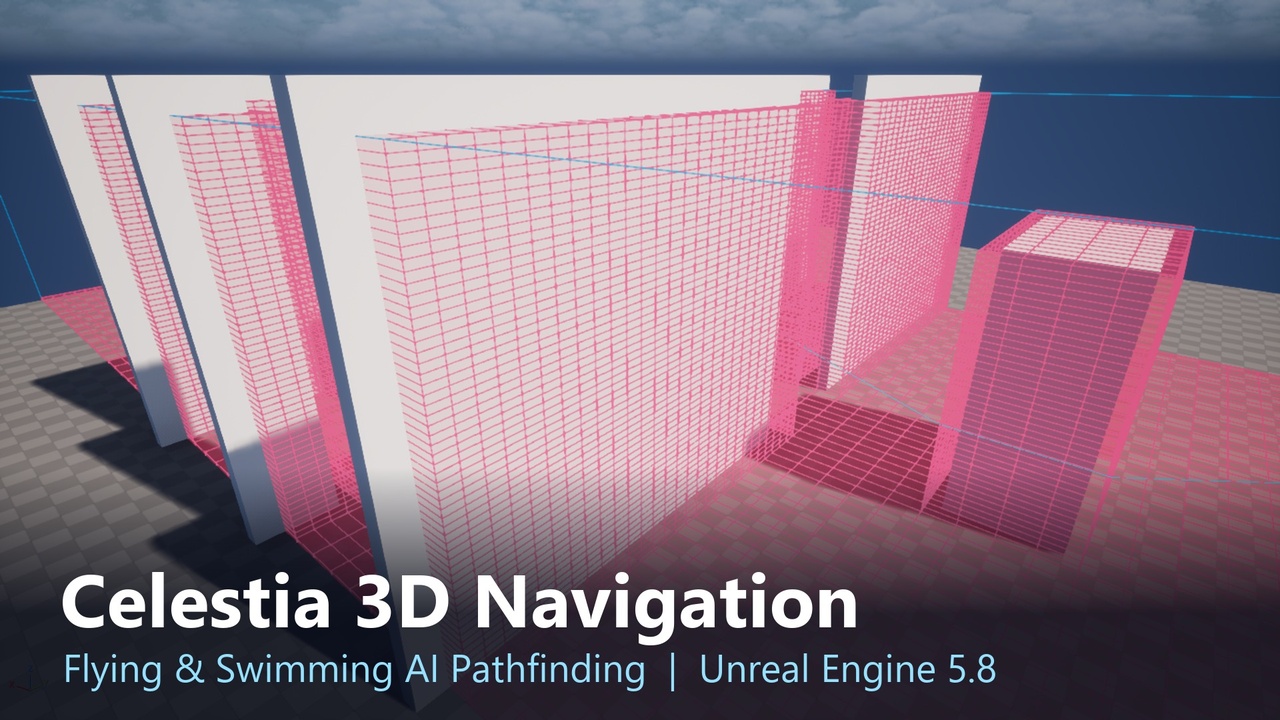
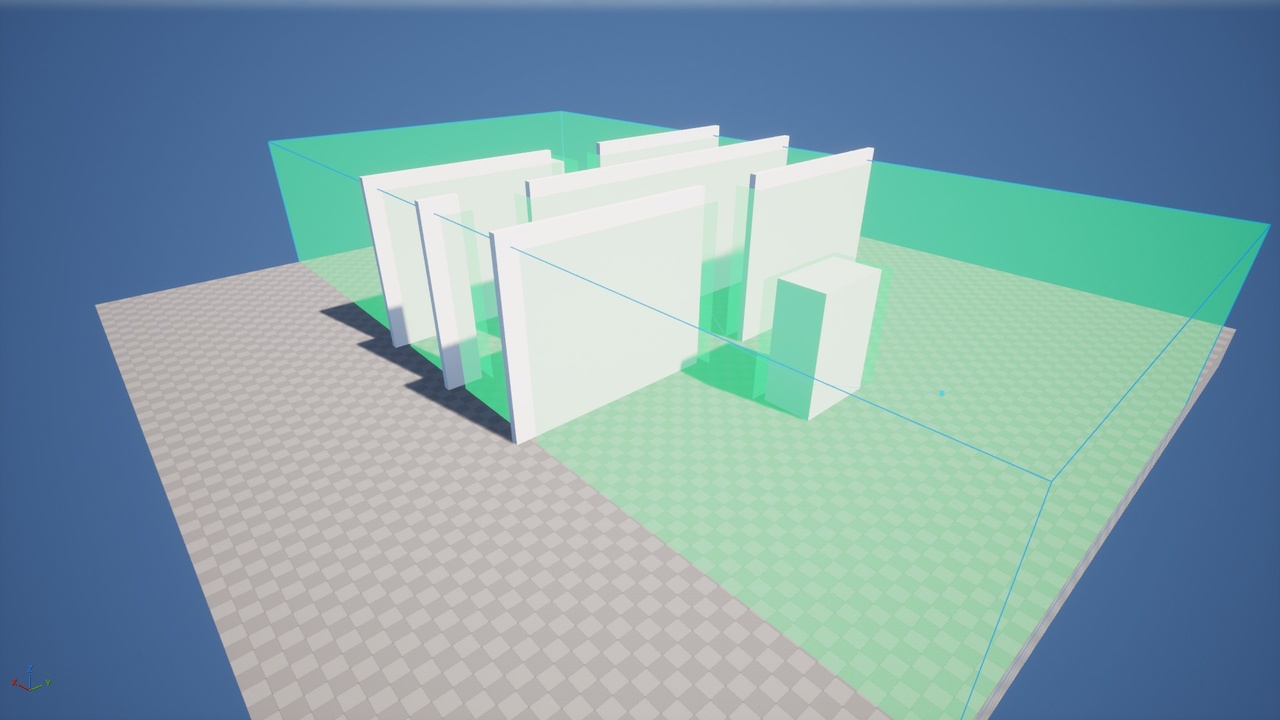
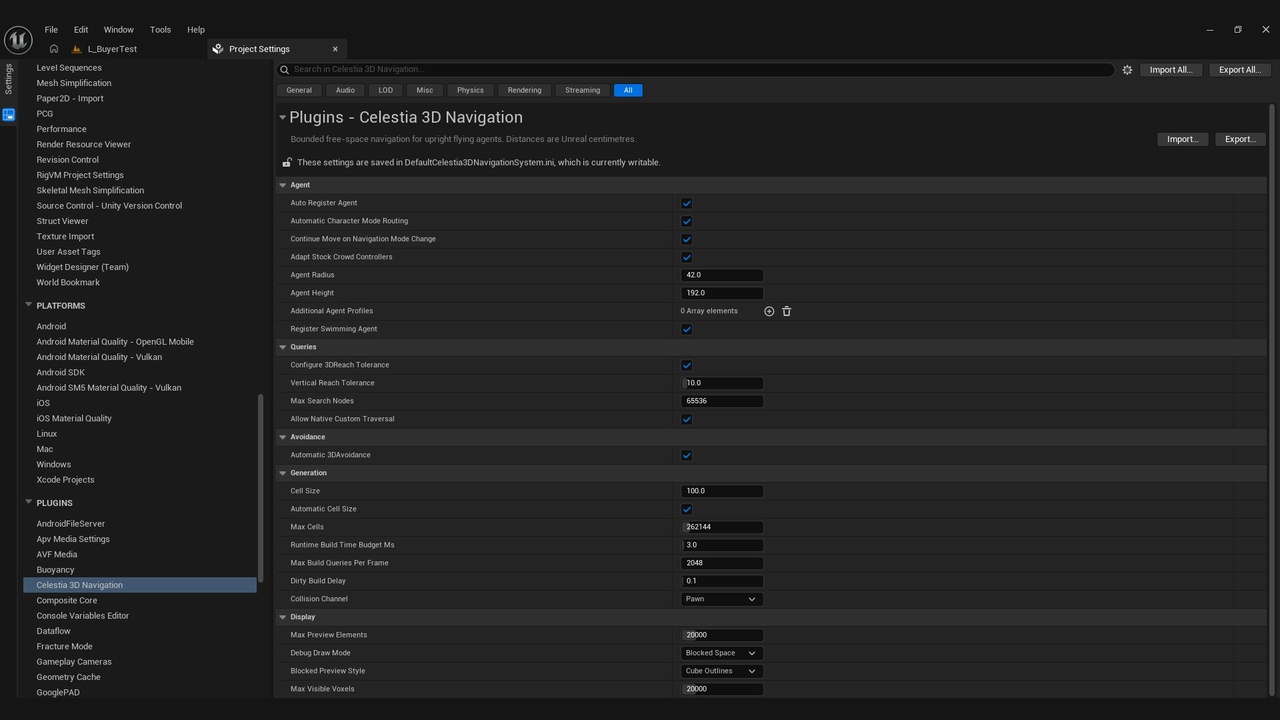
Celestia 3D Navigation System gives flying and swimming AI real 3D pathfinding in Unreal Engine 5.8. Place a standard Nav Mesh Bounds Volume, put an AI Character in Flying or Swimming mode and call the normal AI Move To. The AI finds a 3D route around, over and under obstacles. By default, walking characters keep using Unreal's regular navmesh.
For local air and water navigation, keep the familiar workflow: no extra navigation actors, no custom navigation volumes and no special Move To nodes. Blueprint AI Move To, Behavior Tree Move To and StateTree Move To all use the 3D routes through Unreal's normal path following, so success, failure and acceptance radius behave exactly as you expect.
The level can change while the game runs. Spawned buildings, moving doors, platforms and removed objects are detected automatically. Detected changes invalidate affected navigation and queue a rebuild. Unaffected valid routes can continue; AI whose route crosses a changed area can reroute or wait for a safe route. Rebuild scope and timing depend on the change, scene size and configured budgets.
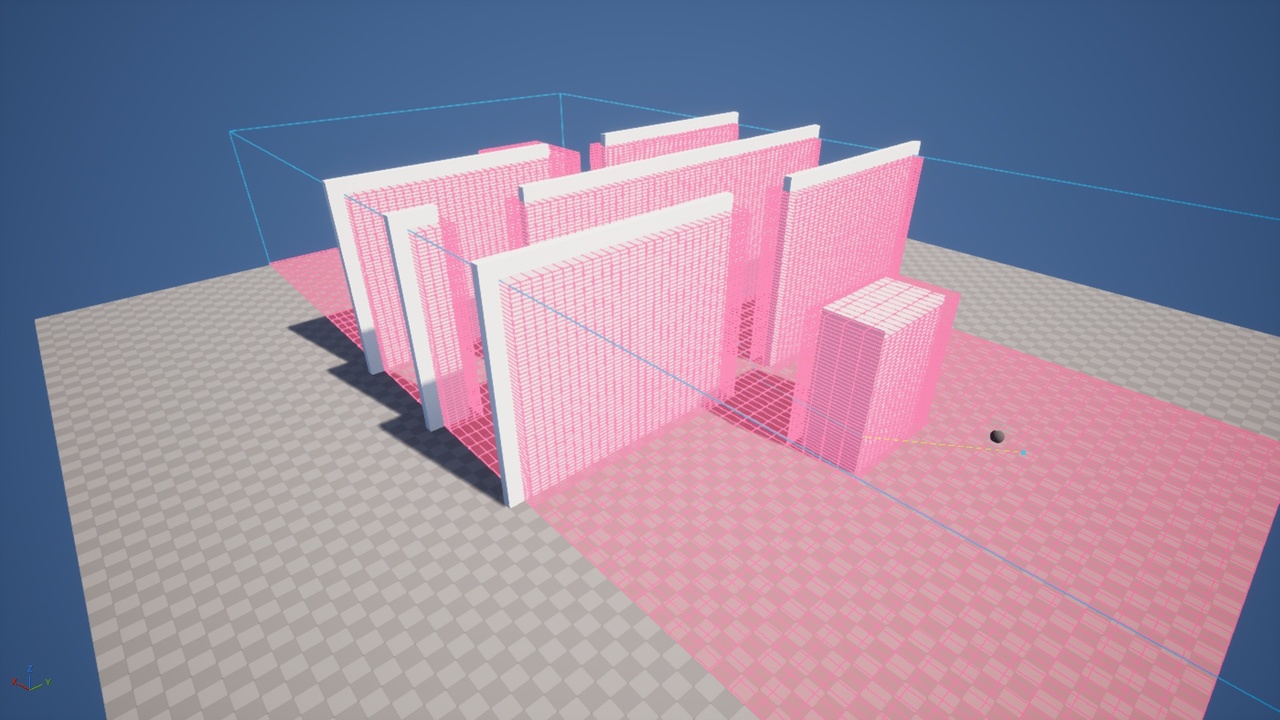
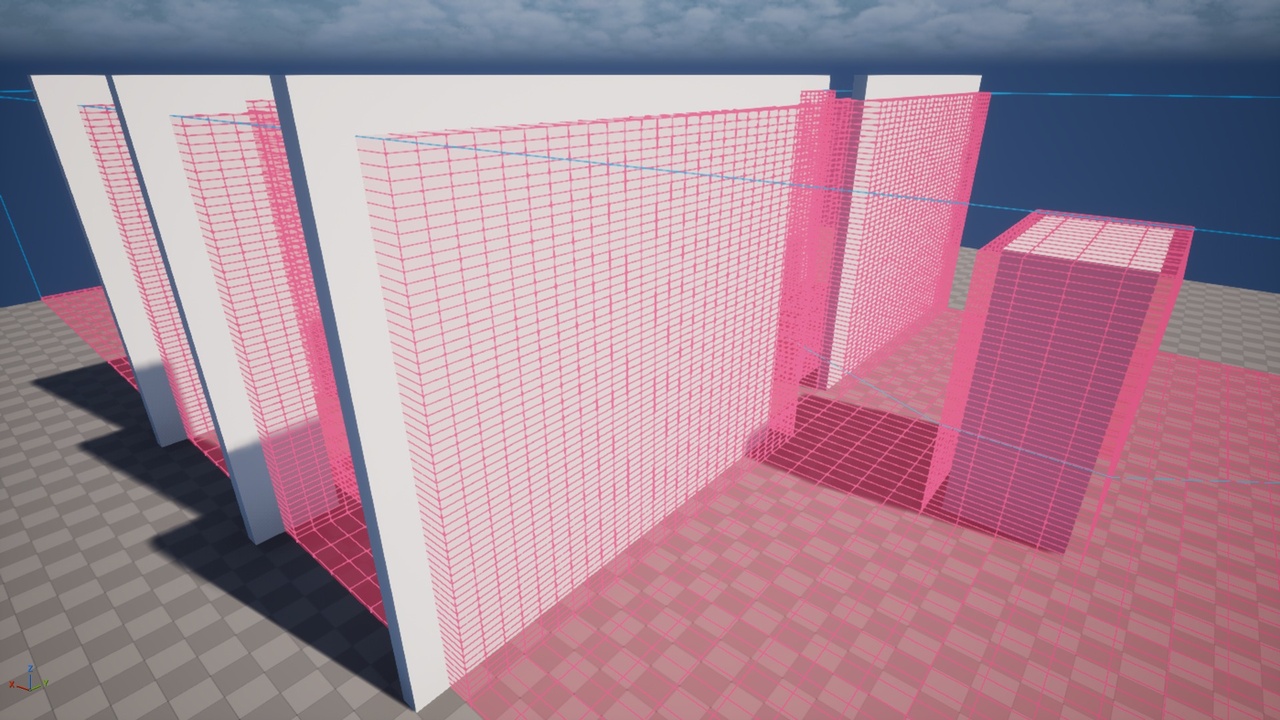
Press P in the viewport to see the 3D navigation as blocked or navigable cells, together with the live path of each AI.
Key Features
- 3D pathfinding for flying and swimming AI with the standard AI Move To
- Uses the ordinary Nav Mesh Bounds Volume; navigation data is created automatically
- Local Character moves can continue to the same goal when walking, flying or swimming changes, if a compatible complete route exists
- Full-body local clearance with capsule, sphere or box profiles
- Runtime updates for moving, spawned and removed collision without freezing unaffected AI
- Water navigation inside Water Physics Volumes for swimming characters
- Local 3D avoidance between flying and swimming agents
- Nav Modifier areas, query filters and Nav Link Proxies work in local 3D navigation
- Local EQS generators: Navigable Volume Grid and Reachable Volume Grid
- P viewport display: blocked or navigable cells, cube or surface styles, live path overlays
- Health Check panel and Blueprint node that explain setup problems in plain words
- Optional flight movement component for non-Character pawns (Kinematic, Hover, Fixed Wing, Zero Gravity, Swimming, Bird)
- Navigation baking, level streaming and World Partition coverage in certified loaded regions (axis-aligned placement; cook with the Celestia 3D Navigation System plugin enabled)
- Multiplayer: server-authoritative AI with Unreal's normal replicated character movement
- Demo map and example flying Blueprint included
- Blueprint and C++ friendly, Windows (Win64)
Optional advanced navigation
- Procedural collision-readiness API for terrain adapters: pending edits stay unavailable and stale completions cannot release newer work. Terrain generation, cooking and replication remain provider-owned.
- Collision-backed outer radial planet walking with stock CharacterMovement, native gravity and explicitly configured terrain/Character components. Surface builds are synchronous and bounded.
- Universe Route Assets for explicit airborne gateway corridors, using capsule or enclosing-sphere profiles and sections up to 1 km. Stock Move To, Behavior Tree and StateTree tasks retain the final destination through certified sections.
- Navigation data registers automatically; advanced systems use their own optional setup. Leaving flight cancels an active Universe move. Select the next stage and issue a new Move To.
- P preview for planet surfaces and gateway topology. Unknown or unloaded collision coverage remains blocked.
Advanced support is bounded: astronomical-scale navigation and dedicated-server execution remain unverified. See Documentation for topology, profile, multiplayer and query limits.
Customer reviews (0)
No reviews yet.
Log in to review a completed purchase.