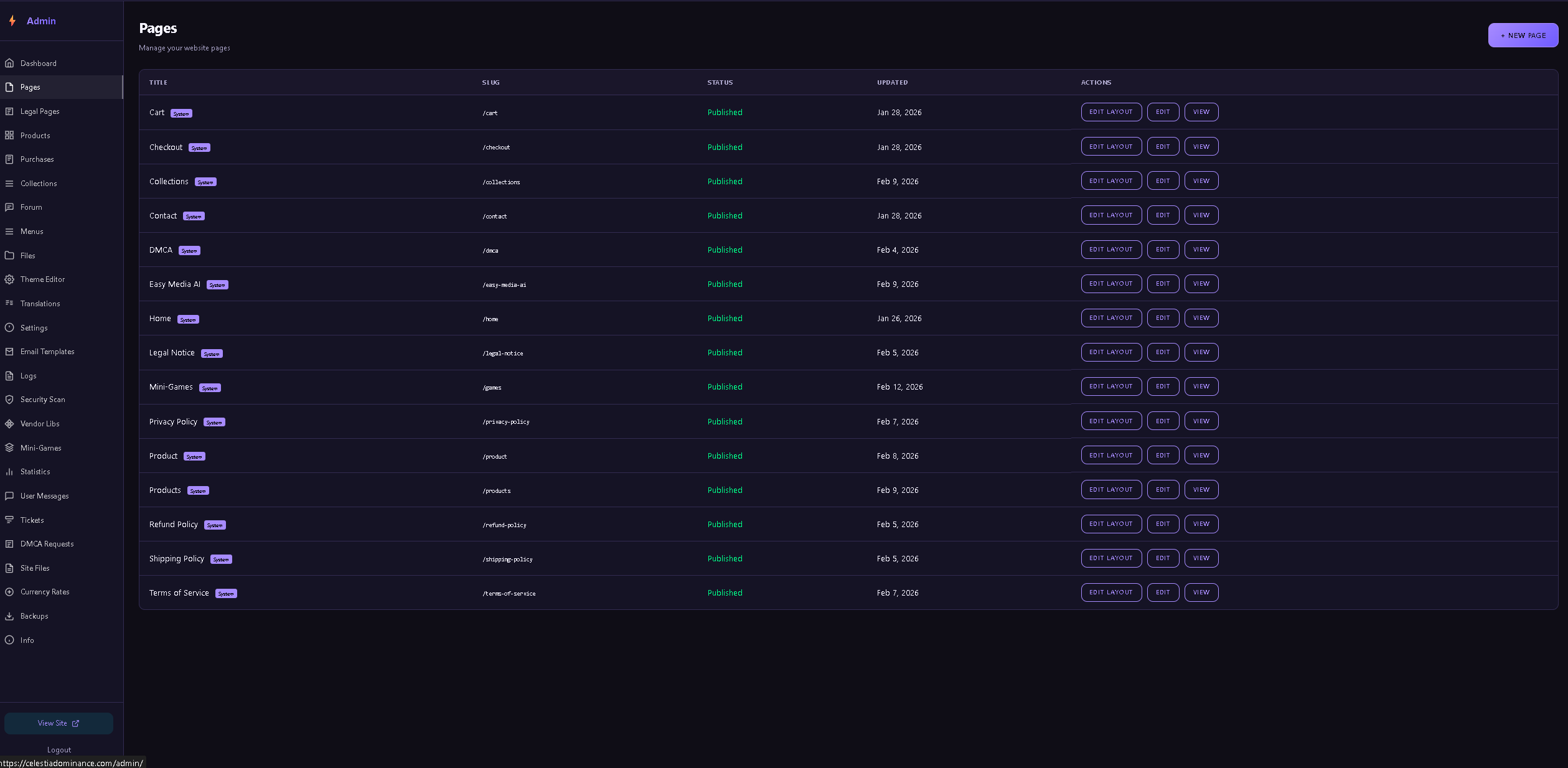
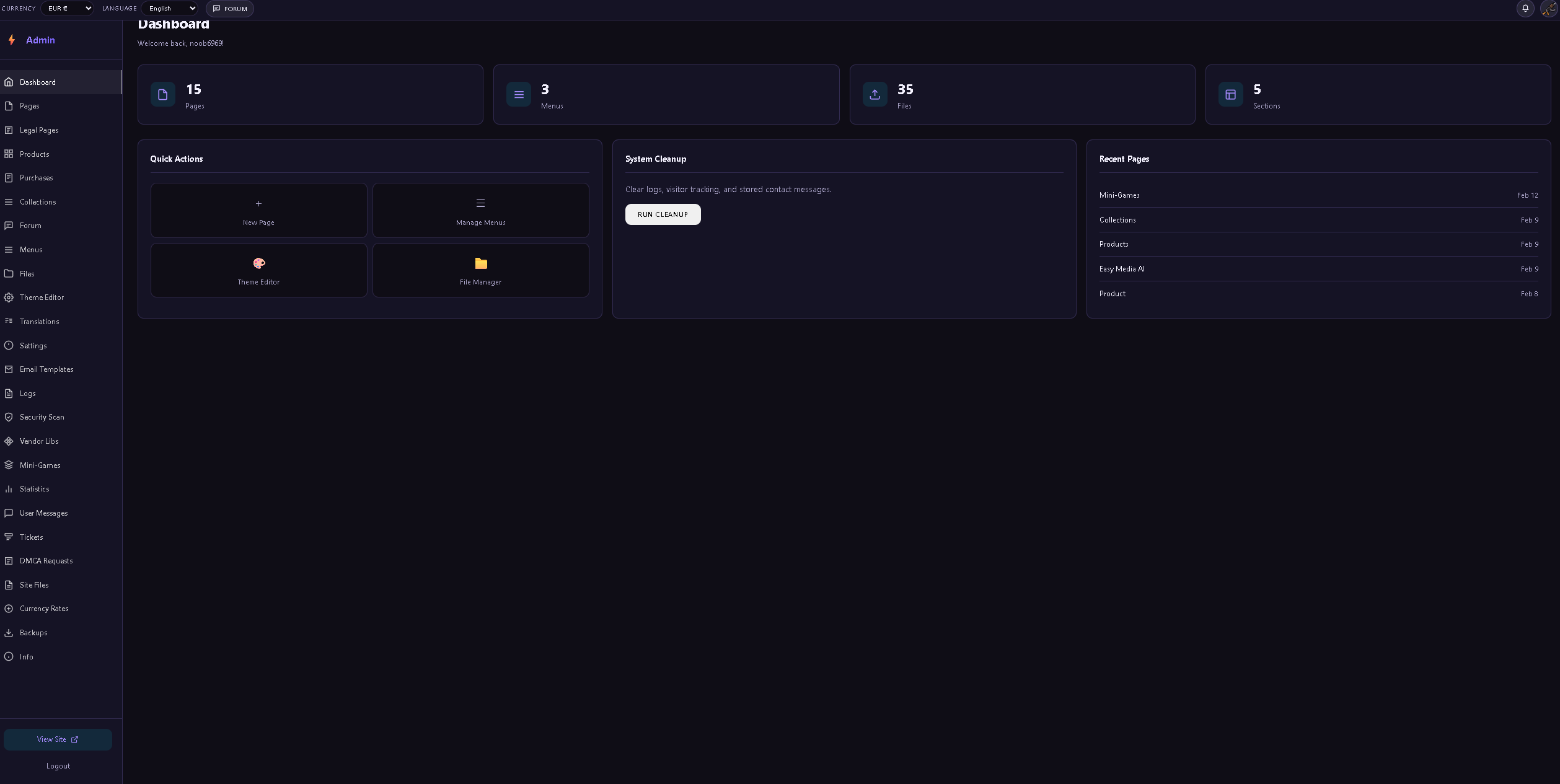
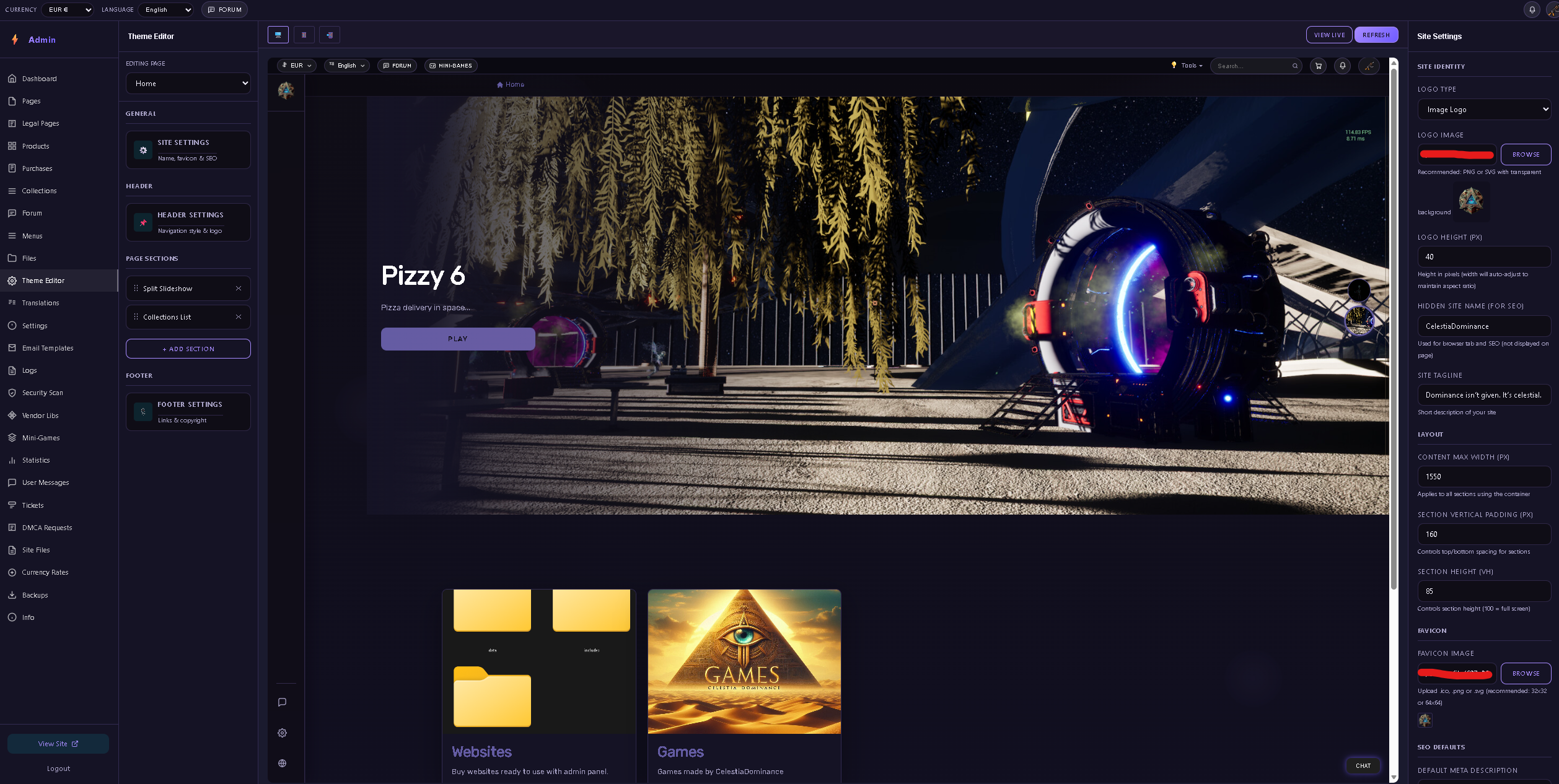
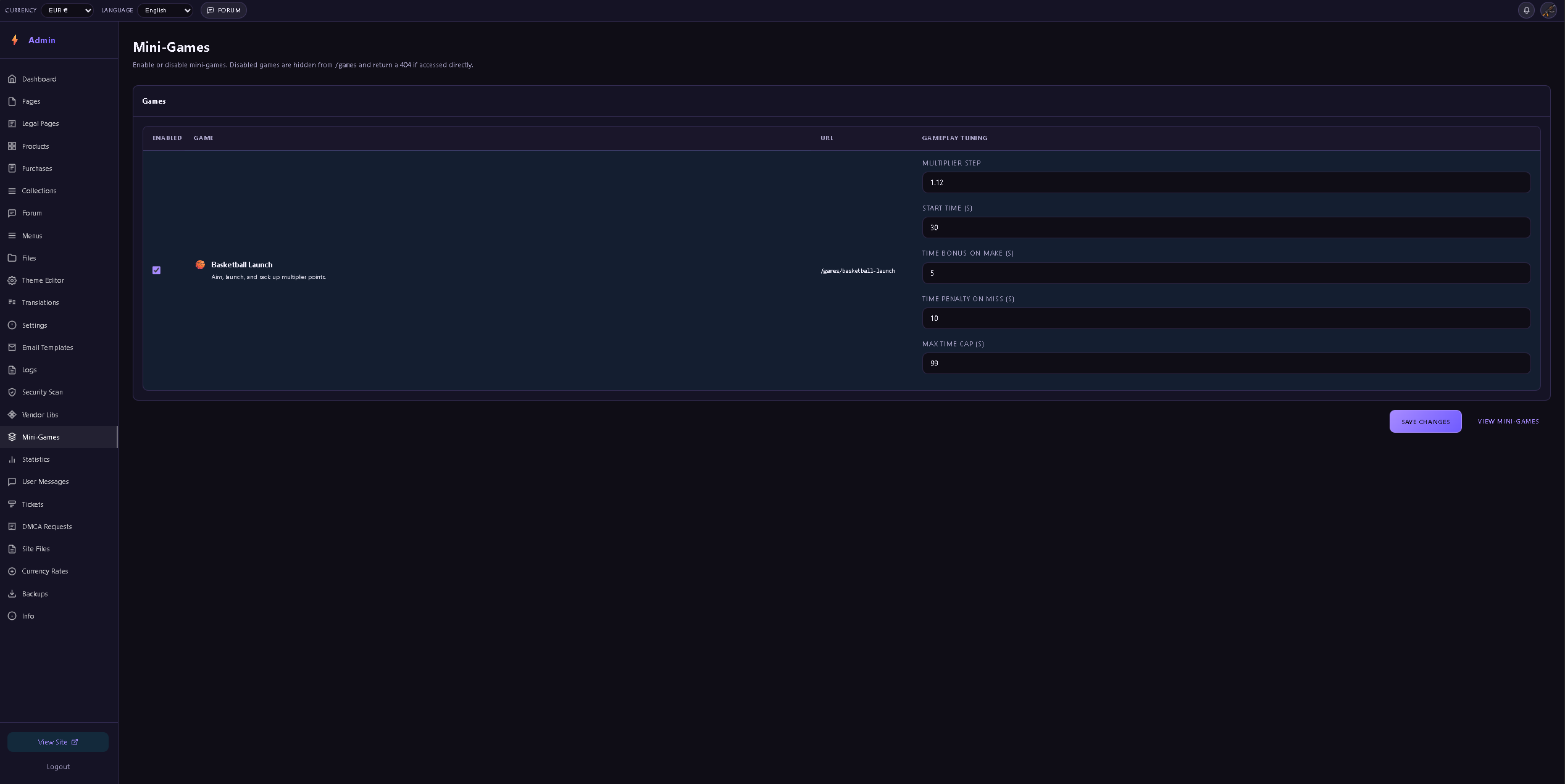
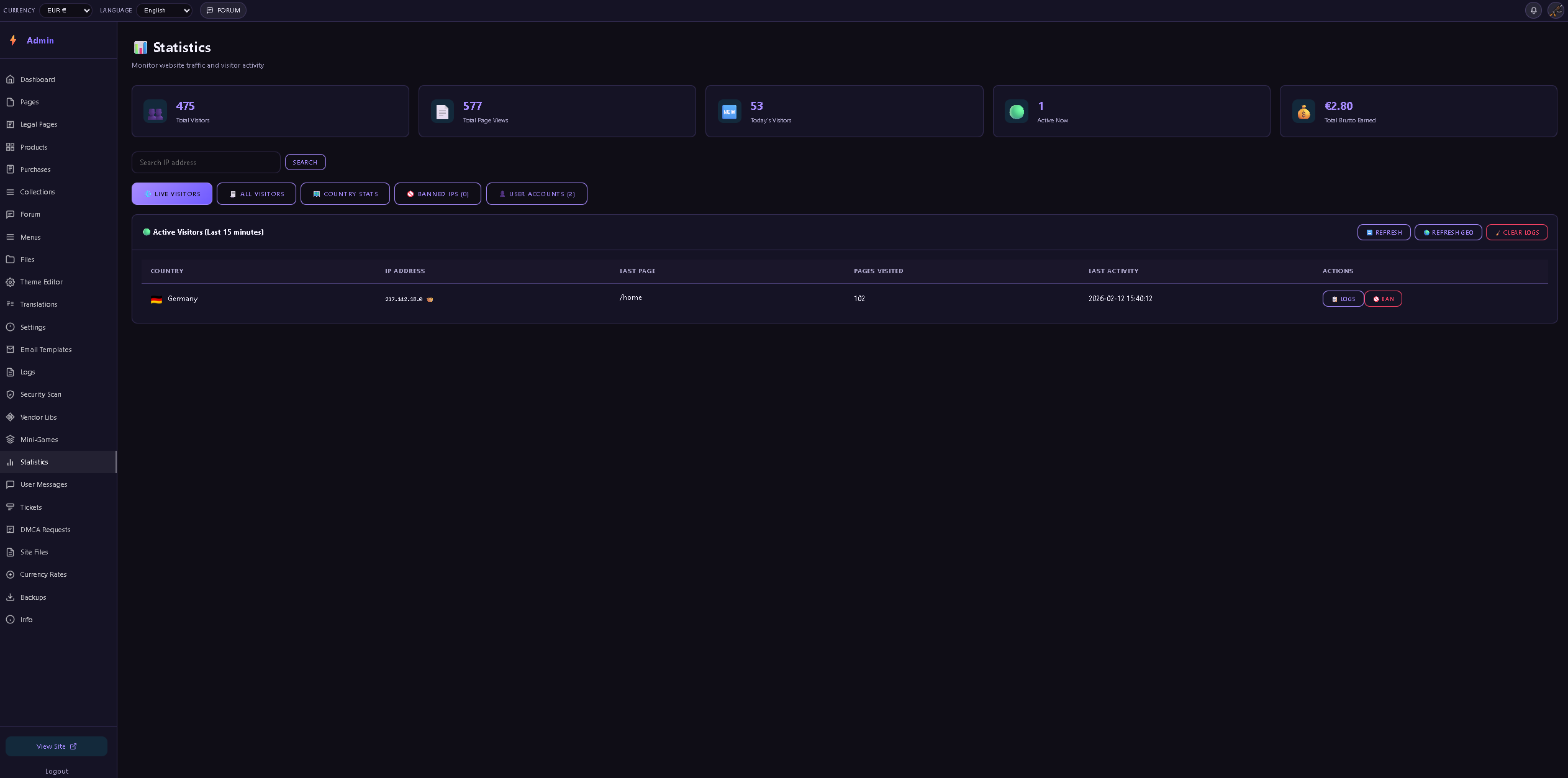
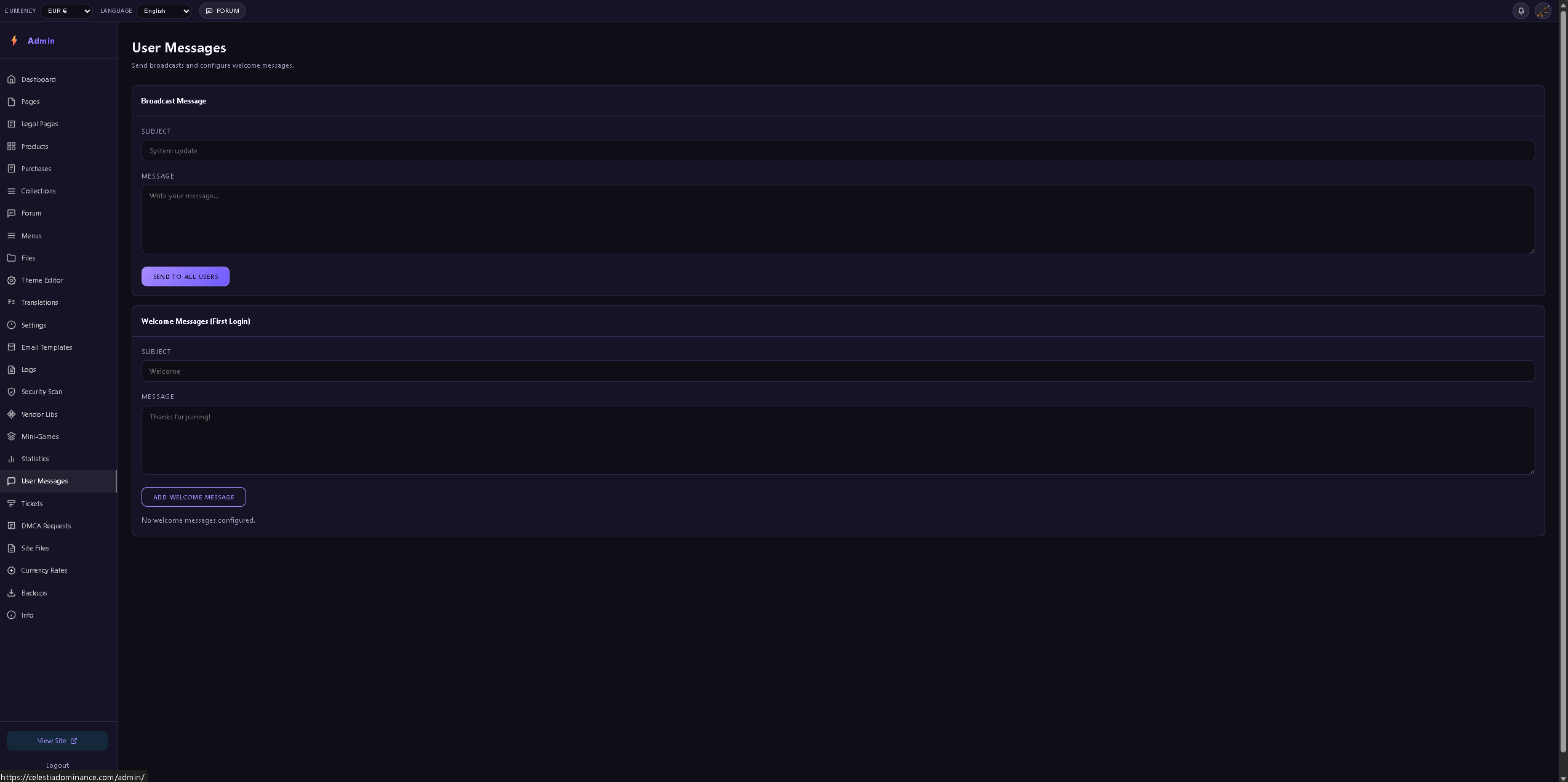
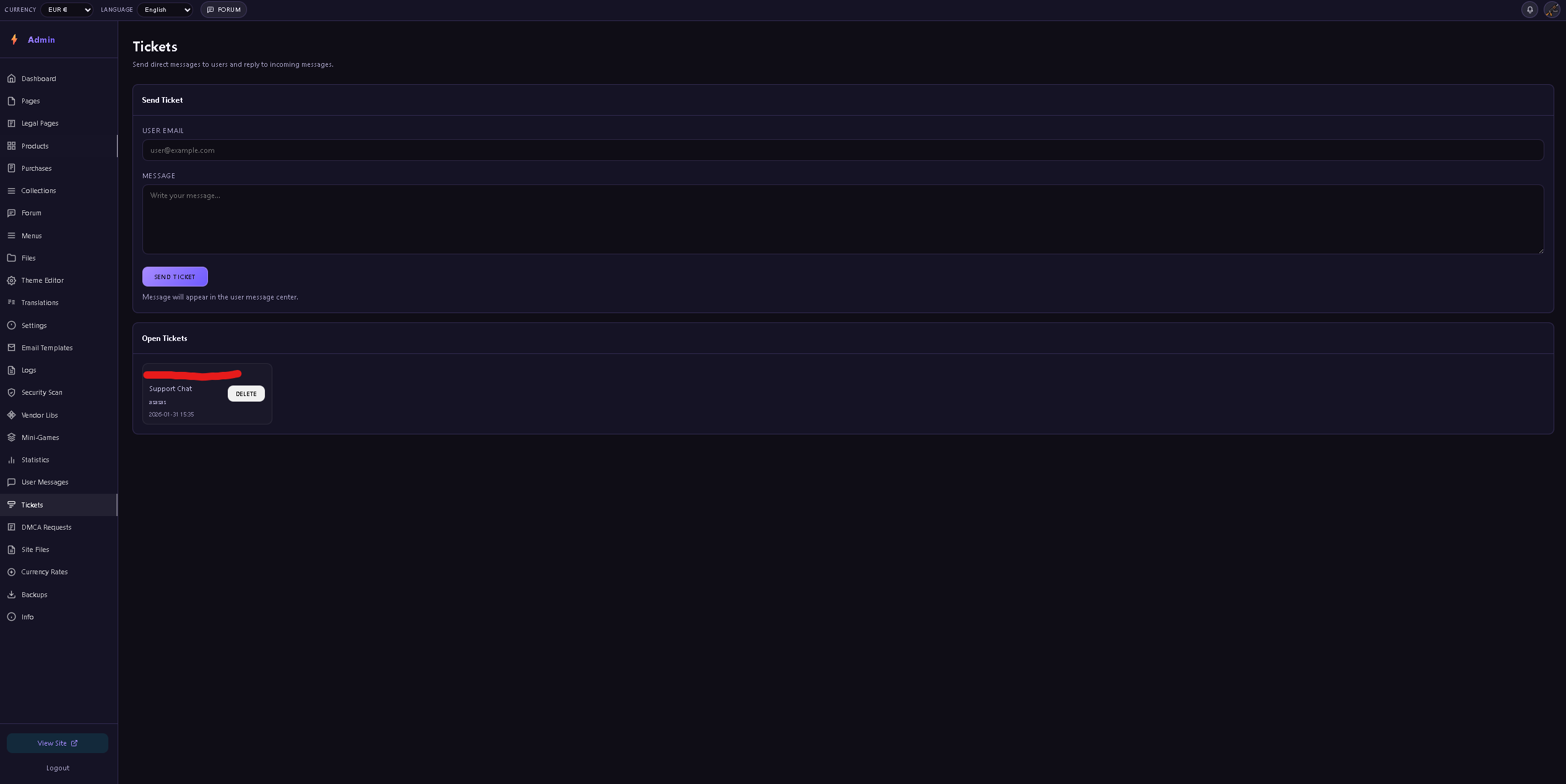
Buy current website you are right now > https://celestiadominance.com/
CONTENT SECURITY POLICY
This site uses strict CSP headers. All styles must be in external
CSS files. No inline styles, no inline JavaScript.
GDPR COMPLIANCE
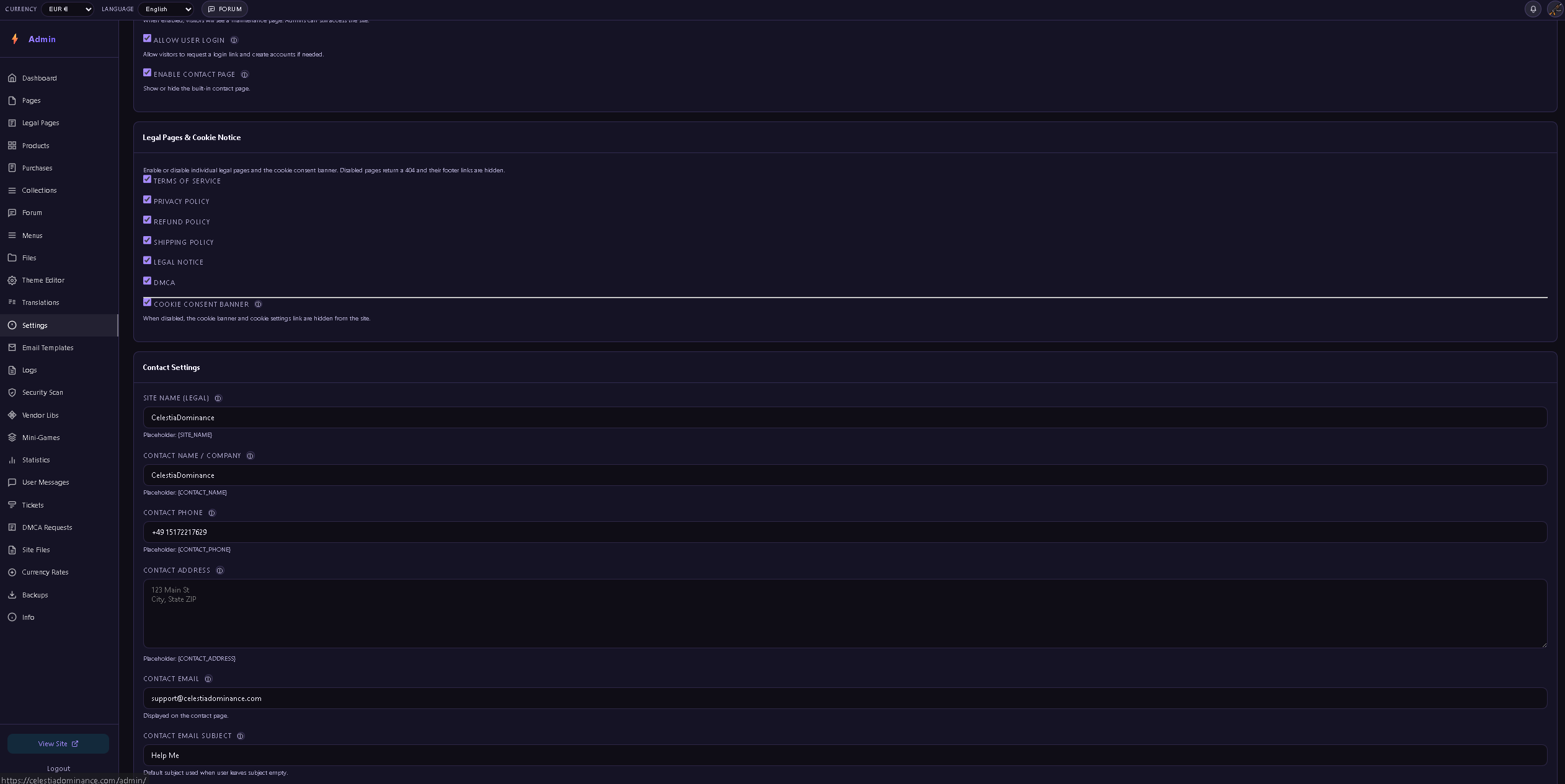
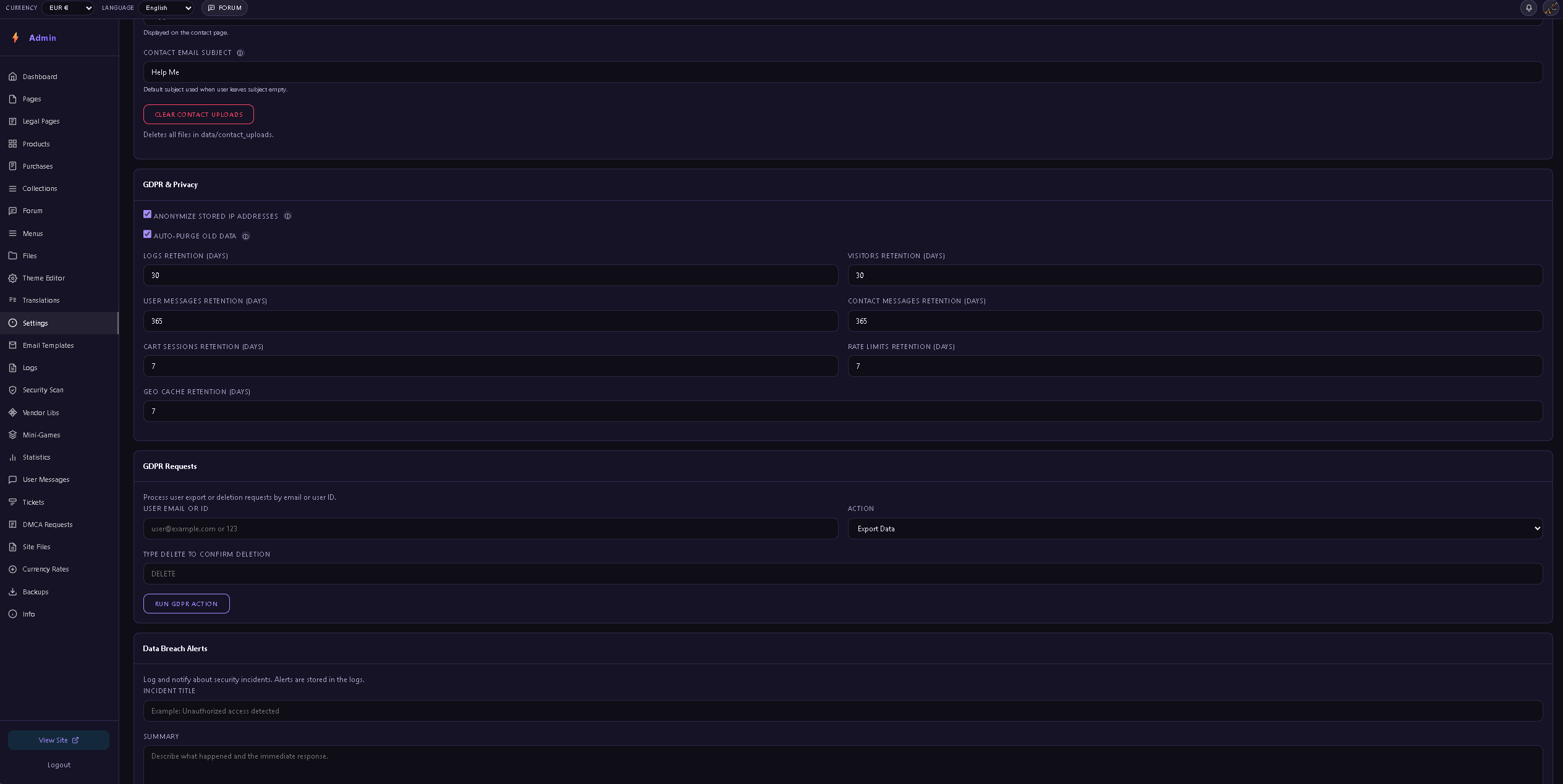
GDPR data retention is configurable in Admin → Settings → GDPR.
Visitor data is automatically cleaned based on your retention settings.
PASSWORDS
All passwords are hashed with Argon2id. Never store plain-text
passwords anywhere.
- PHP 8.5 or higher (with pdo_pgsql, openssl, mbstring, gd, curl extensions)
- PostgreSQL 17 or higher
- A web hosting account with FTP/SFTP access
- Your domain pointed to the /public folder as the web root
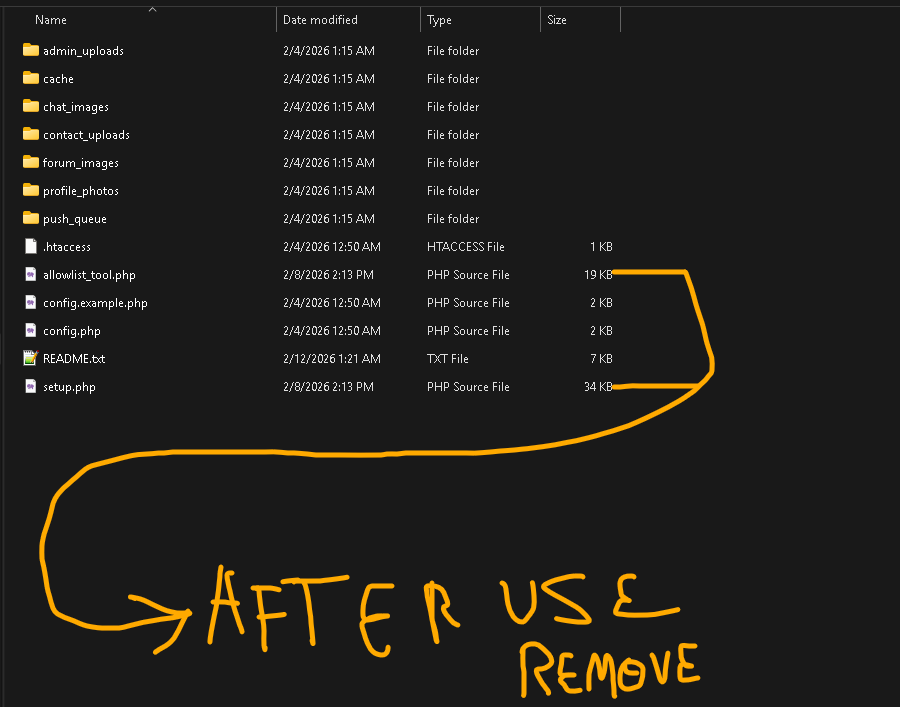
IP Allowlist: Only IPs in the admin_allowed_ips table can access /admin. If locked out and SSH is unavailable, use hosting support or temporarily place /data/allowlist_tool.php into /public with a random filename, run once, then remove immediately.
Content Security Policy: This site uses strict CSP headers. All styles must be in external CSS files (no inline styles or attributes). JavaScript is not allowed; all interactivity is handled server-side. If JS is ever re-enabled, all scripts must be in external files only.
CSRF Protection: All POST requests require a valid CSRF token. Forms include a hidden csrf_token and JS adds the X-CSRF-Token header for fetch requests. All destructive admin actions (Delete) use POST + CSRF.
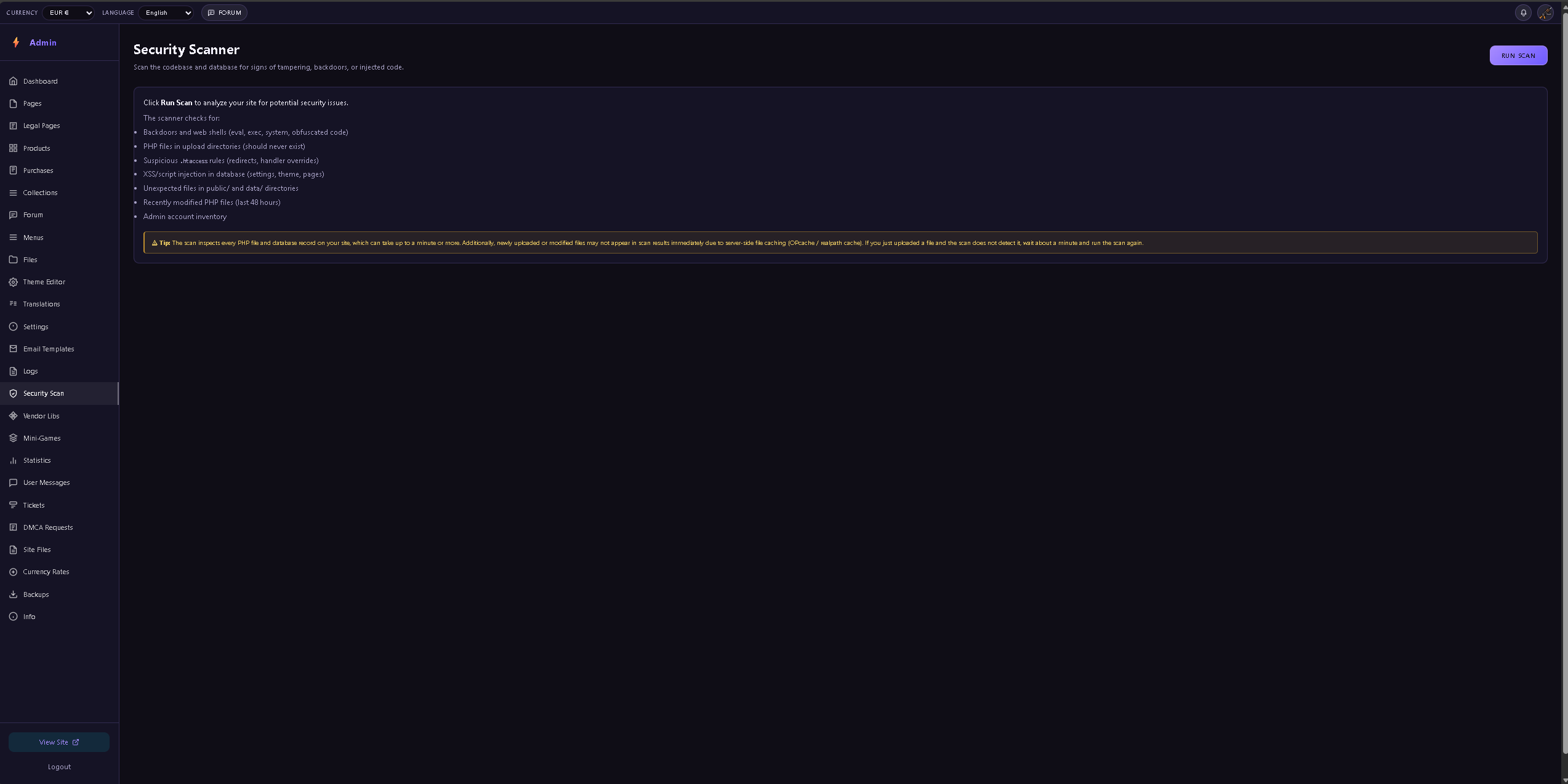
XSS Prevention: The e() function is used for all dynamic output. Critical numeric IDs in admin tools are cast to integers before rendering.
GDPR Compliance: Visitor data is automatically cleaned up based on retention settings. Check Settings → GDPR Retention.
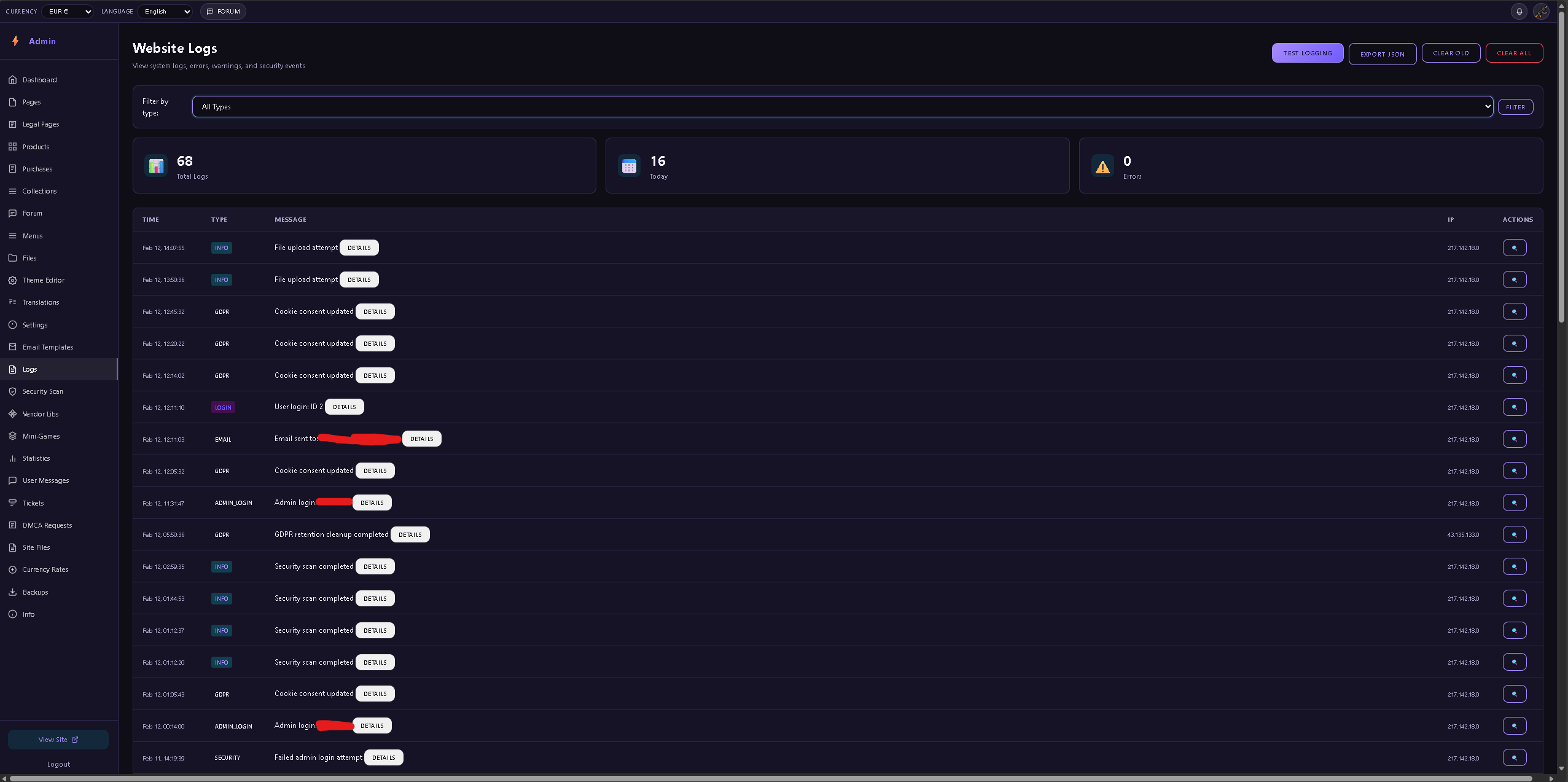
Rate Limiting: Login attempts, contact forms, and API endpoints have rate limiting to prevent abuse.
Banned IPs: Malicious IPs are automatically banned and see a fake "connection error" page.
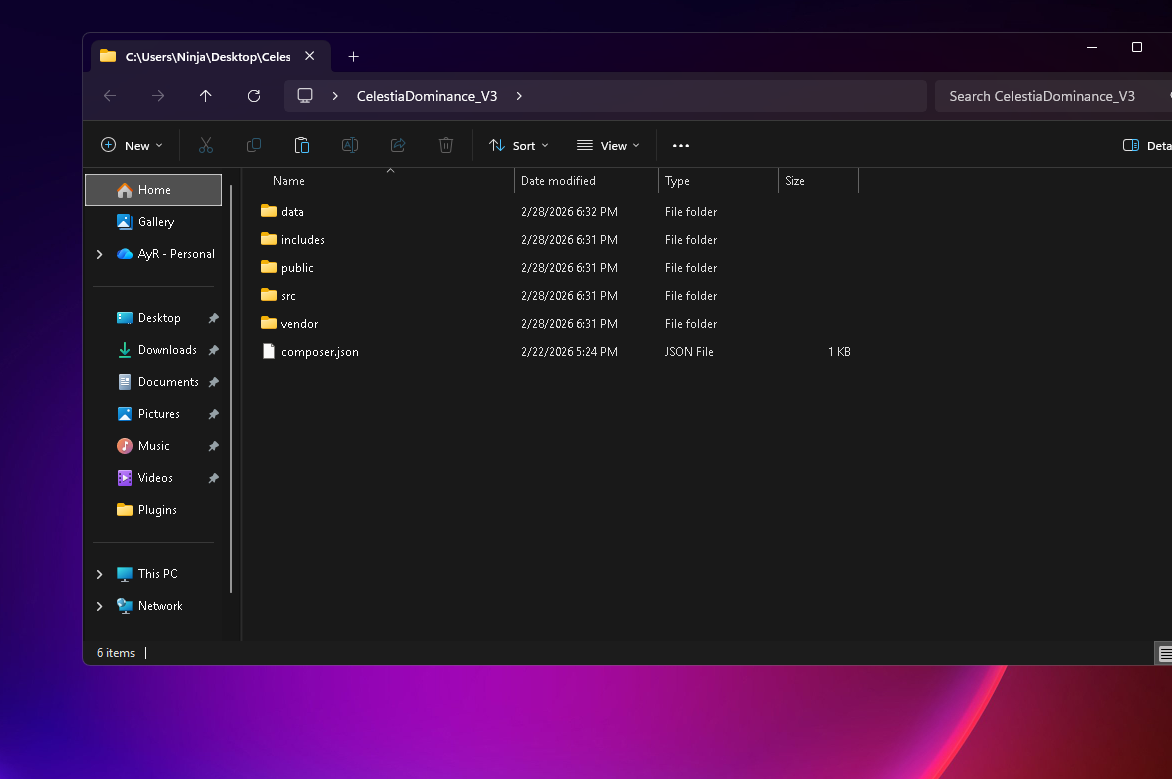
/data/ ← Private data (not web accessible)
├── config.php ← Database credentials
├── config.example.php ← Template for new installations
├── setup.php ← Setup wizard (move to /public to use)
├── allowlist_tool.php ← Emergency IP management
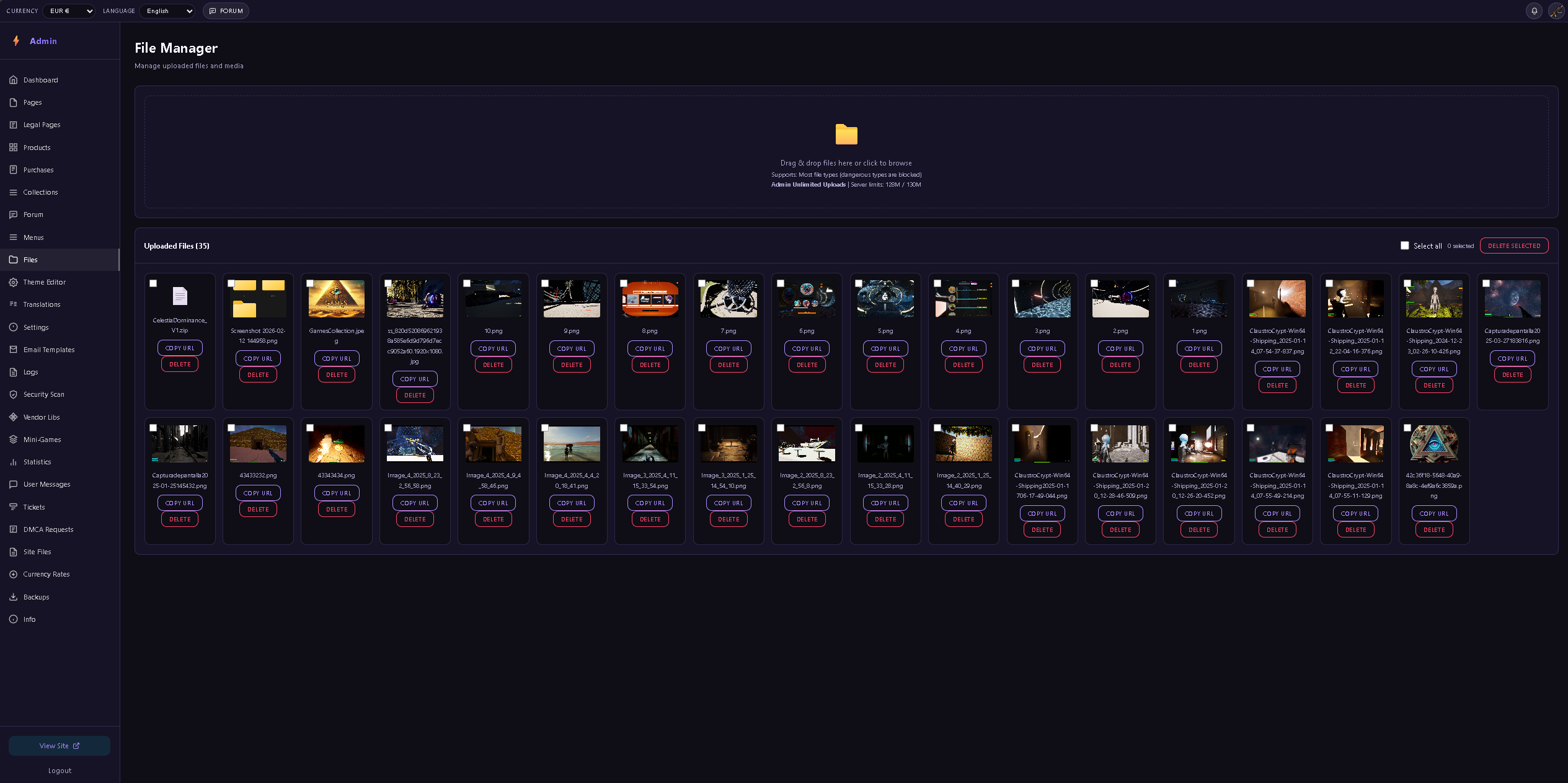
├── admin_uploads/ ← Admin-uploaded files
├── chat_images/ ← Chat image uploads
├── contact_uploads/ ← Contact form attachments
├── forum_images/ ← Forum post images
├── profile_photos/ ← User profile photos
├── push_queue/ ← Push notification queue
└── cache/ ← File-based cache
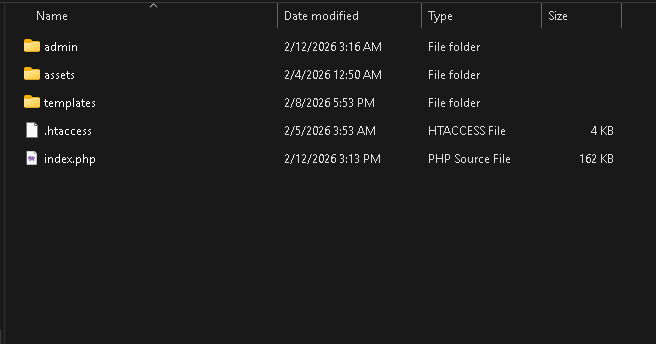
/public/ ← Web root (only folder accessible via browser)
├── index.php ← Front controller
├── admin/ ← Admin panel
├── assets/ ← CSS, images
└── templates/ ← Page templates
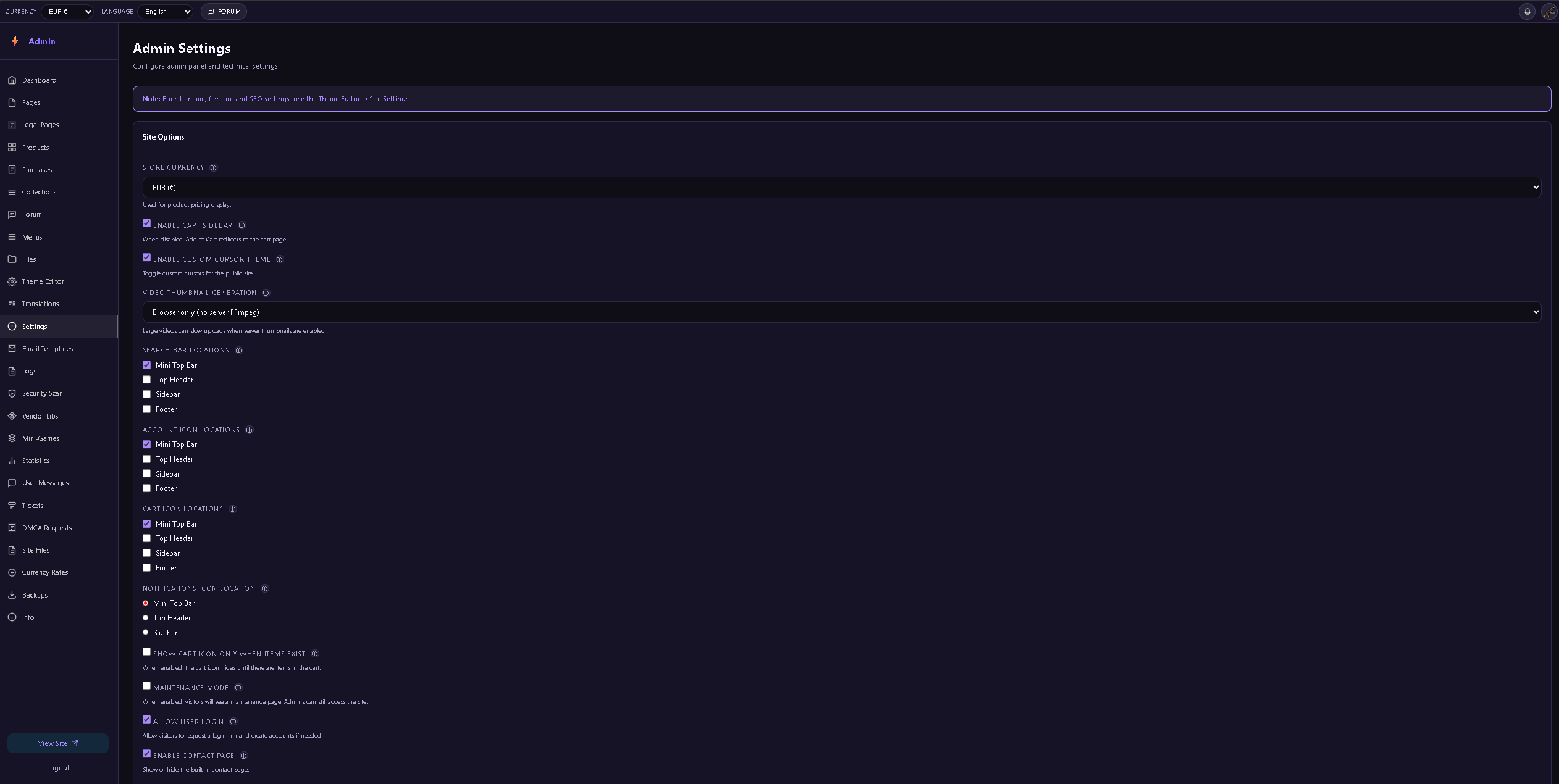
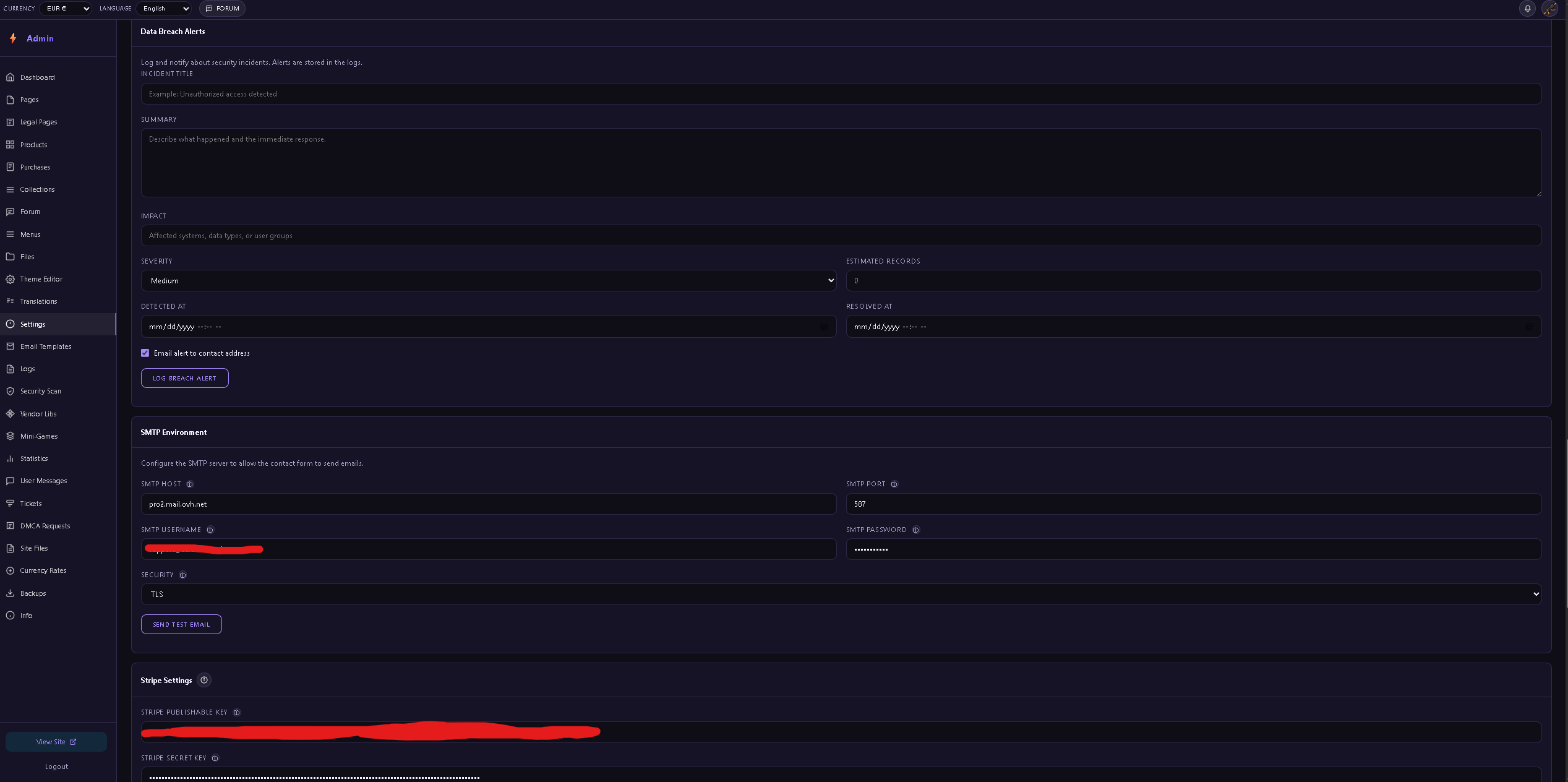
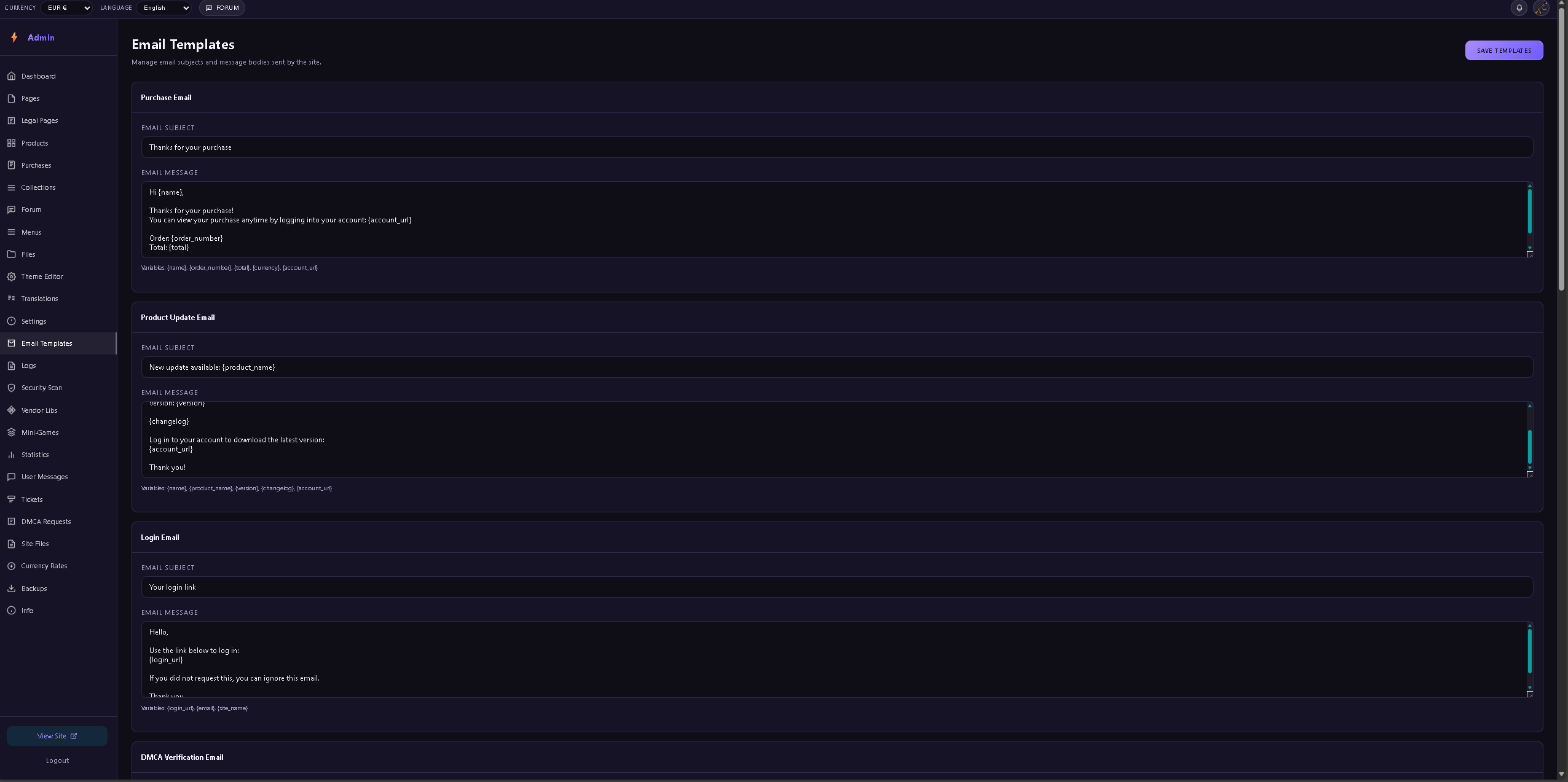
Configure SMTP settings in Settings → SMTP Environment for email functionality:
Contact Form: Requires a valid contact email and SMTP settings.
Password Reset: Requires SMTP to send reset links.
Order Notifications: Requires SMTP for purchase confirmations.
Data Breach Alerts: Optional email notifications for security events.
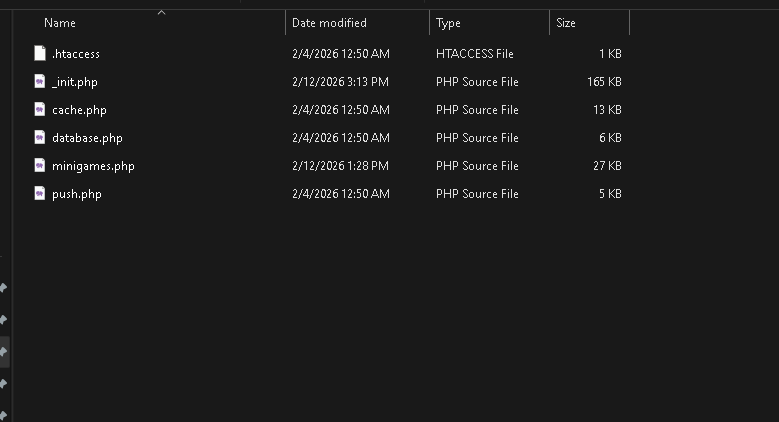
The $schemaTarget variable in _init.php controls database migrations.
How it works: When $schemaTarget is greater than the stored db_schema_version, migration blocks run automatically.
Adding migrations: Increase $schemaTarget (e.g., from 29 to 30) and add a new if ($schemaVersion < X) block.
One-time execution: Each migration block runs once, then db_schema_version is updated to prevent re-running.
Start inside folder data by reading the README.txt
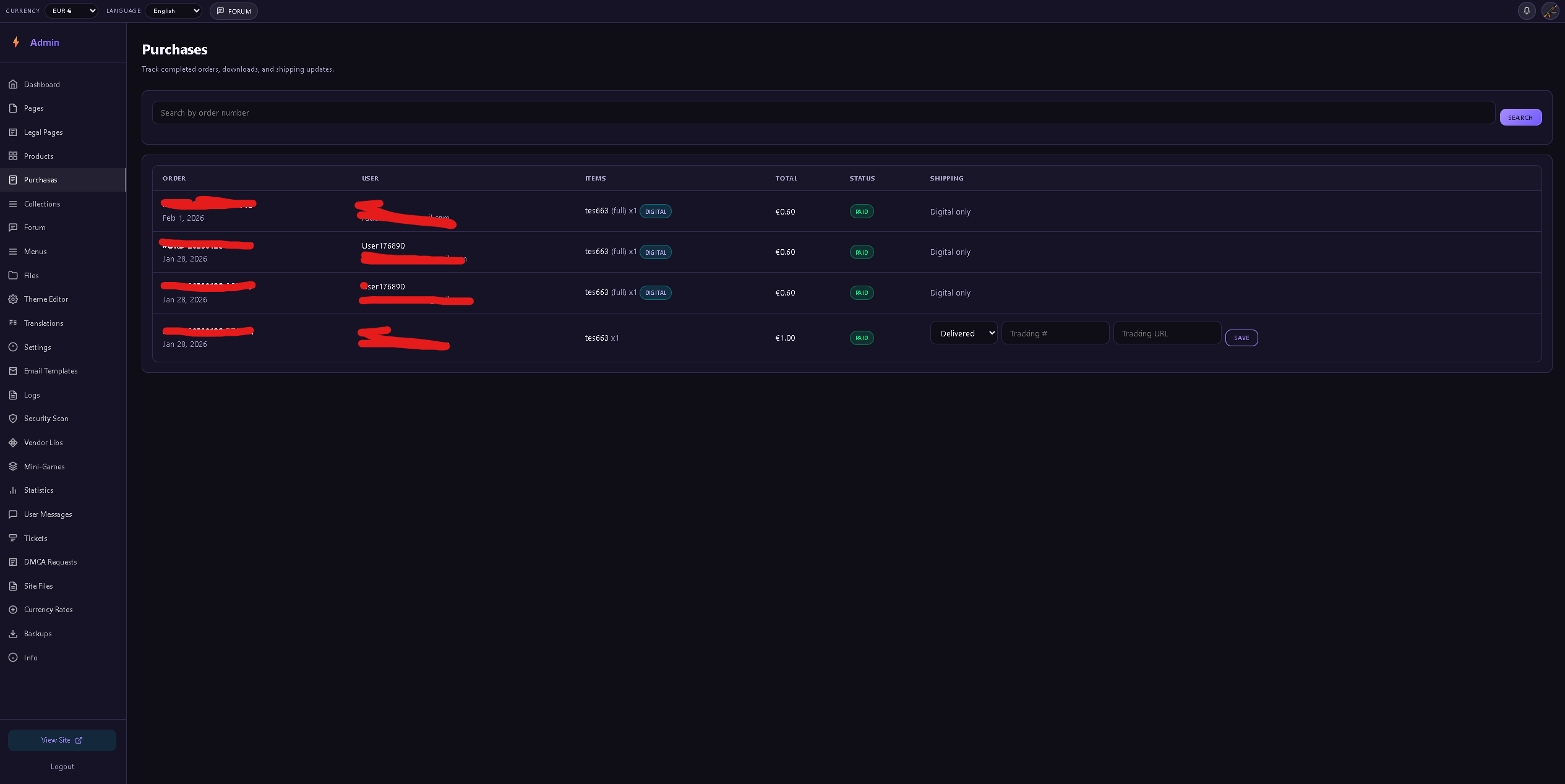
After purchase, you can view your purchases in your account, along with the current file version and the changelog. You can always check these for new updates. Additionally, you will receive an email for every new file update, as well as an in‑account notification.

Comments (0)
No comments yet. Be the first to comment.
Please log in to post a comment.